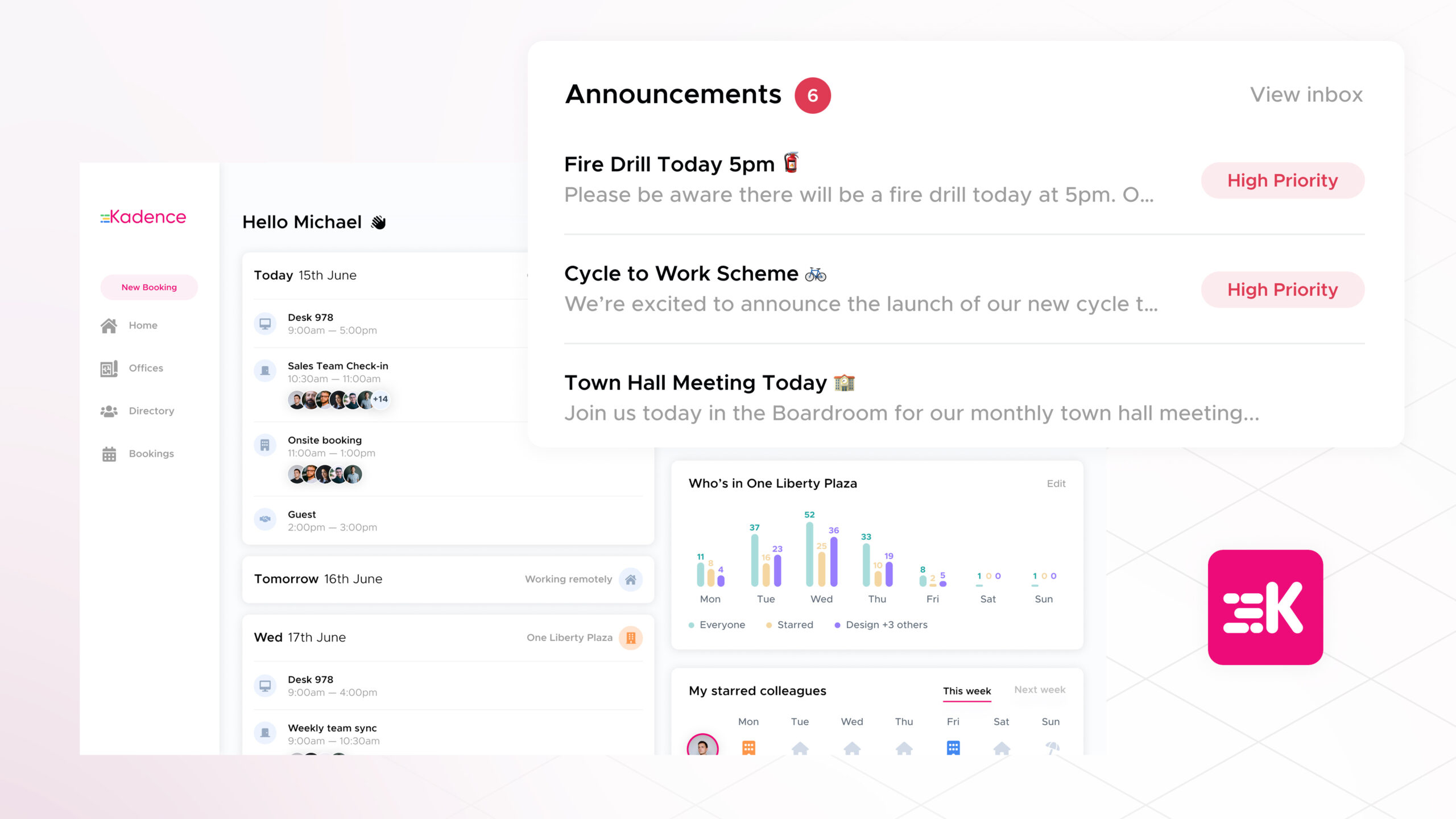
Workplace announcements are short, targeted messages that reach employees inside the tool they use to plan their work, instead of in a crowded inbox or chat channel. For a hybrid workforce split between the office, co-working spaces and home, they help everyone get the same information at the right time, and they let admins aim updates at a team, an office or the people booked into a building.
In April 2024, Kadence introduced Workplace Announcements, which let admins create, schedule and send updates that employees saw in their Kadence dashboard. The feature is a useful example of how internal communication can sit alongside the tools people use to decide where and when they work. The details below describe the feature at launch.
What are workplace announcements?
A workplace announcement is a message sent to employees inside the workplace platform they already use, such as a building closure notice or a social event invitation. Rather than a mass email or a Slack message that is easy to miss, it appears where people book desks and plan office days, so it is seen at the moment it is most relevant.
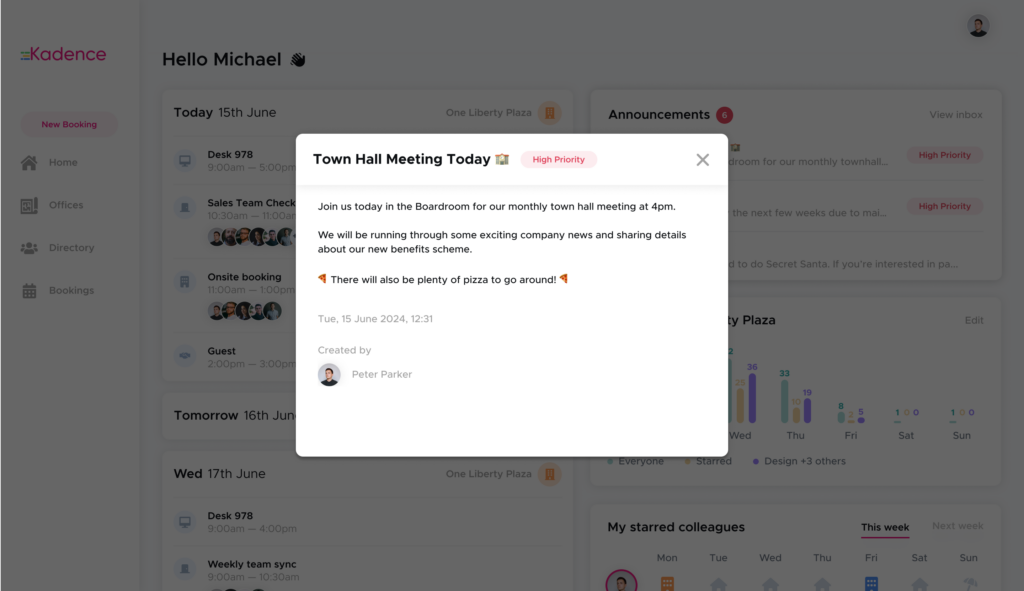
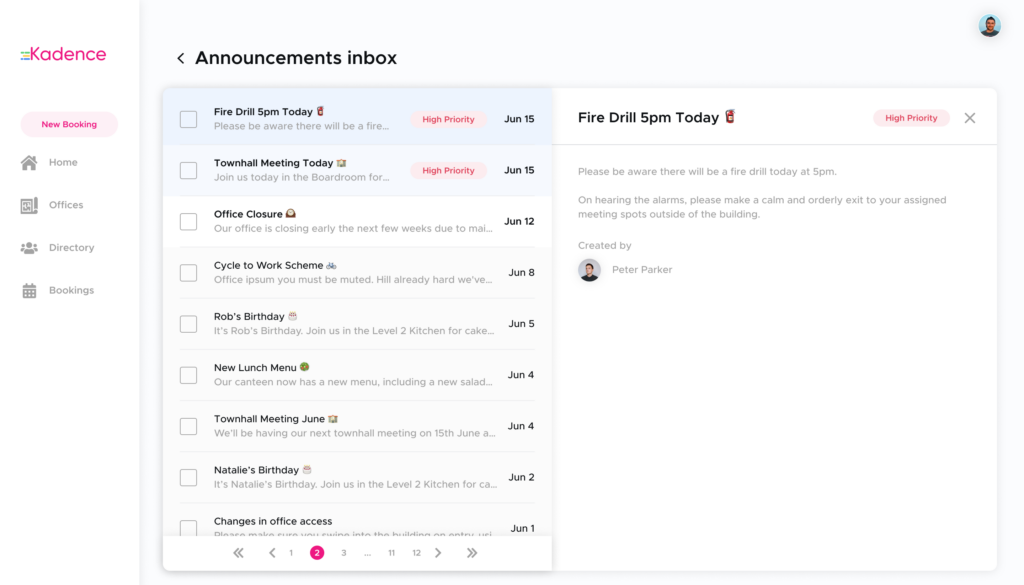
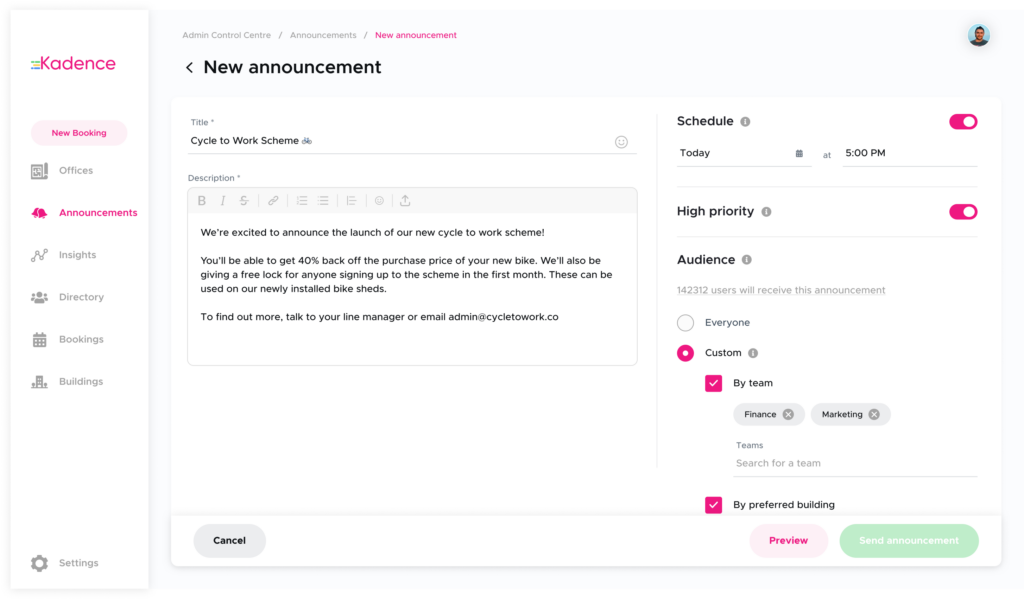
At launch in April 2024, admins could create, schedule and send announcements to the Kadence dashboard in a few clicks. They could set priorities, so high-priority updates sat at the top of employees’ inboxes, and they could segment who received what. An admin might tell the whole company about a town hall meeting later that day, but only the finance team about their Secret Santa nominations.
What can workplace announcements be used for?
Announcements work for any update that needs to reach a defined group quickly and reliably. The four most common uses are company-wide news, updates for one office, messages for one team, and emergency notices. In each case the sender chooses the audience, so people get the information they need without notifications meant for someone else.
- Company-wide announcements. A major milestone or policy change reaches every employee, in the office or remote, at the same time, so the message is consistent.
- Office-specific updates. The facilities team can tell employees at one location about maintenance work or an office closure. Only people at that location receive it, which avoids needless notifications elsewhere.
- Team-specific communication. Managers can share project updates, deadlines or meeting schedules with a single team.
- Emergency notifications. During an emergency such as a fire or a sudden office closure, admins can notify everyone in a building in a few clicks.
Used this way, announcements bring three benefits to internal communication.
1. How do announcements keep hybrid teams informed and engaged?
Announcements give distributed employees a reliable view of what is happening at work, including the events that make a trip to the office worthwhile. When people see a social event or team gathering in advance, in the same place they book a desk, they can plan their office days around it. That keeps them connected to company culture when they spend less time on site.
Distributed workforces risk losing touch with their company’s culture. HR managers need people to feel they belong, even when they spend less time in the office, and it is easy for employees to miss the events that connect them with colleagues across the company.
With announcements, social events can be promoted ahead of time: a colleague’s birthday, or a bake sale for a local charity. Employees are more likely to come into the office when they can plan for it. If you want to encourage office attendance with something like a cycle-to-work scheme, announcing it where people organize their diaries and decide where to work is the obvious place. For more ideas on giving people reasons to meet, see the guide to bringing teams together.
2. How do announcements reach the right people?
Good internal communication sends each update only to the people it affects. Kadence’s announcements could be filtered by team, by office location and by booking, so a message about one building reached only the people using it. Announcements could also be scheduled in advance, which meant late bookers still received time-sensitive reminders.
Take a fire drill scheduled at one office on an upcoming Friday. Everyone using that building needs to know. At launch, Kadence let admins send an announcement to every employee booked into that office on Friday and mark it as urgent, so it appeared at the top of their inbox.
Admins could also schedule a reminder, for example an hour before the drill. Everyone using the office that Friday would receive it, including people who decided that morning to come in and so missed the first announcement sent only to those already booked. Targeting by booking is where a workplace platform has an edge over email: it knows who will be in the building, not just who works there.
3. How do announcements streamline internal communication?
Announcements put company news in one predictable place, so managers can inform teams efficiently and employees know where to find updates. People stop worrying that they missed something, because they know where it is stored and how to reach it. Scheduling also lets admins plan communication ahead instead of sending every message by hand.
At launch, Kadence could also send the same announcement to Slack, Microsoft Teams and the Kadence app. That helped with emergencies, when reach matters most, and with rollouts, while teams were still being onboarded to Kadence. Admins could set up an announcement in a few clicks and schedule it in advance, which lightened their workload and gave them confidence that the whole workforce would receive it.
Workplace Announcements are part of the day-to-day operations side of the Kadence platform. To see how they fit alongside desk and room booking, explore Kadence WorkOps.
Frequently asked questions
What is the difference between a workplace announcement and a company email?
A workplace announcement appears inside the platform employees use to plan and book their office days, and it can be targeted by team, office or booking. A company email goes to an inbox alongside everything else and is easier to miss.
Can announcements target only the people who will be in an office on a given day?
At launch in April 2024, yes. Admins could send an announcement to every employee booked into a specific office on a specific day, and schedule reminders that also reached people who booked later.
Can announcements be used in an emergency?
Yes. During an emergency such as a fire or a sudden office closure, admins could notify everyone in a building in a few clicks, and the same message could go to Slack, Microsoft Teams and the Kadence app.