
For IT and security teams
Workplace Management for IT and Security Teams
One credential, the integrations you already run, and evidence for the review.
SSO and SCIM with Okta, Microsoft Entra ID, Google and JumpCloud; a desktop agent that checks people in on the office network; Teams and Outlook booking; SOC 2 and Cyber Essentials.
Illustrative it and security occupancy: IT support 82%, Security 65%, Infrastructure 57%. A floor plate shows the three team neighborhoods on Technology hub · Level 2.
Identity
Set up in minutes with the directory you already have.
Single sign-on with Okta, Microsoft Entra ID, Google, OneLogin, JumpCloud and other SAML or OpenID Connect providers. SCIM directory sync creates, updates and removes accounts as your directory changes, and teams can be built from directory attributes. Make SSO mandatory, or let people sign in with passkeys.
- SSO with every major identity provider
- SCIM provisioning and directory sync
- Mandatory SSO or passkey sign-in
Kadence Agent
Attendance data from the laptops you already manage.
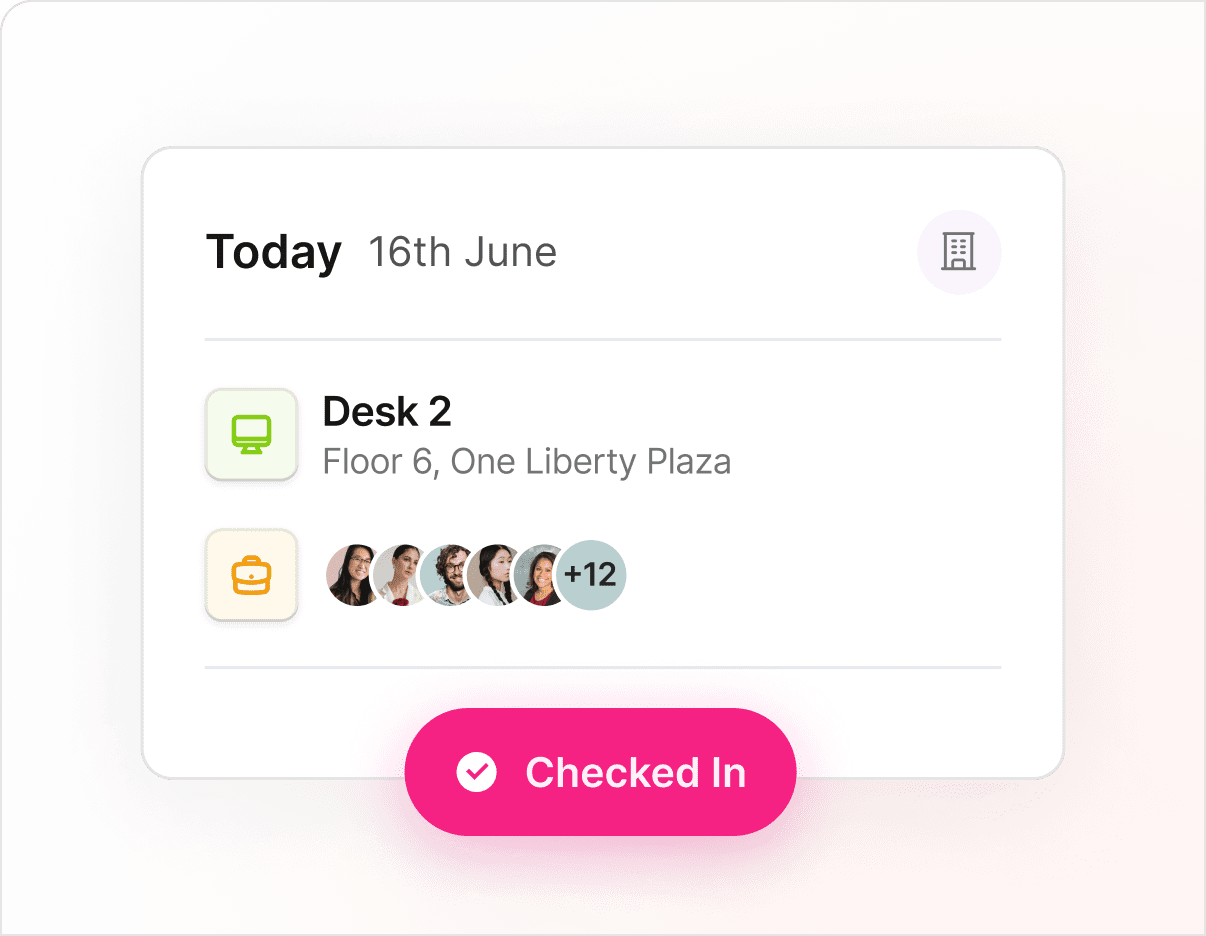
The Kadence Agent is a light desktop app for Windows, Mac, ChromeOS and Linux. When a laptop joins a registered office network, the agent checks the person in, with no sensors to install. Enhanced Network Detection places people on a floor and tells an office connection from a VPN session. Automatic Bookings records people who arrive without a booking.
- Windows, Mac, ChromeOS and Linux
- Auto Login with Entra ID or Okta, silent on Windows with Entra
- Floor-level, VPN-aware detection
Microsoft 365
Booking inside Teams and Outlook, where people already work.
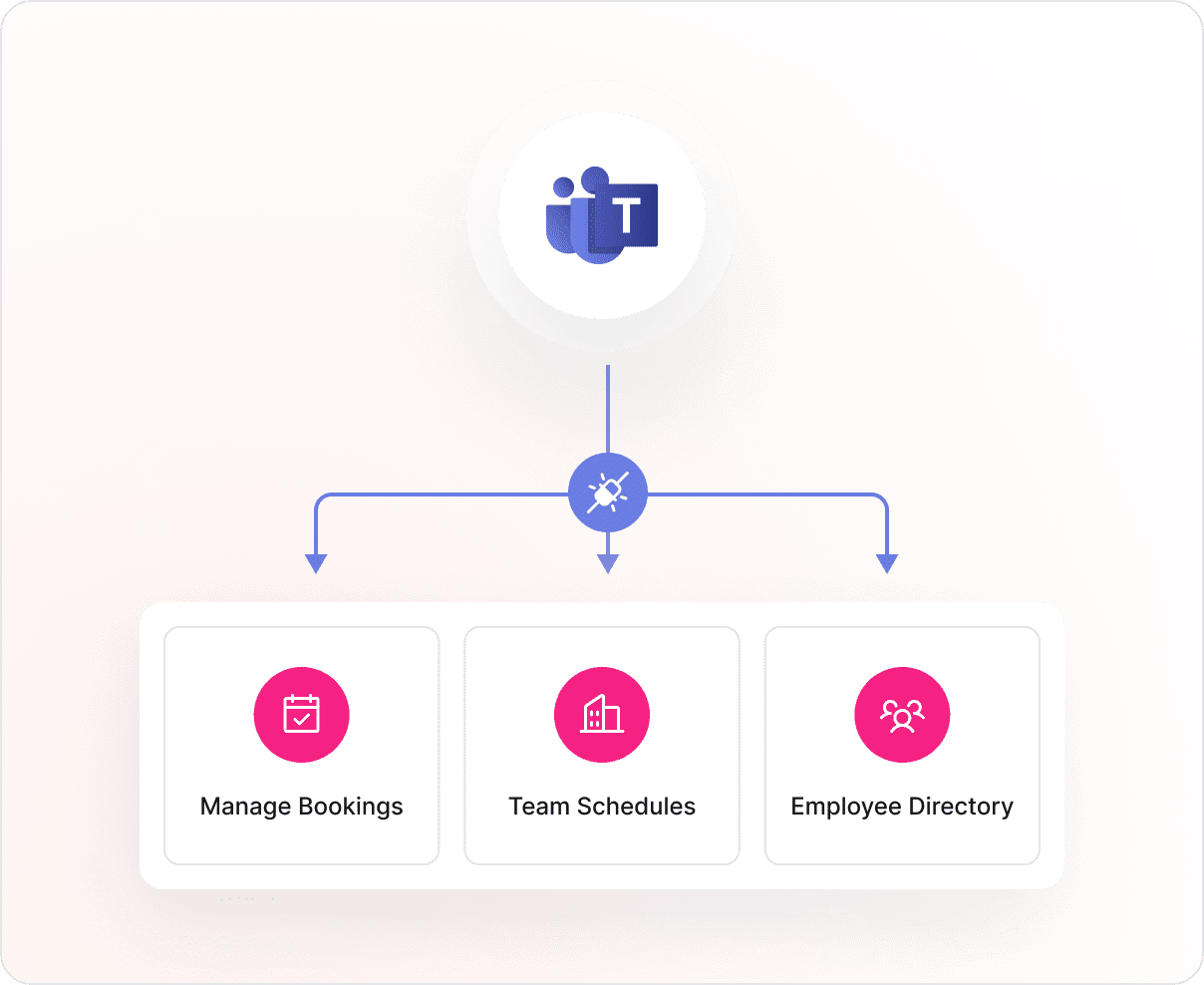
Employees book desks and rooms in the Microsoft Teams app or by chatting with Kadence AI in Teams. The Outlook add-in finds and books rooms, and room bookings sync both ways with Outlook and Google Calendar. Slack works the same way. For your own systems there is a public REST API, outbound webhooks and an MCP server that an admin turns on.
- Teams app and Kadence AI in Teams
- Outlook add-in and two-way calendar sync
- REST API, webhooks and MCP server
Security
Secure, tested and controlled, with the documents to prove it.
Kadence is SOC 2 compliant and Cyber Essentials certified. Controls are monitored continuously through Drata, third-party specialists run penetration tests at least annually, and mobile apps are tested to OWASP MASVS. Data is encrypted in transit and at rest, and handling is GDPR and CCPA aligned.
- SOC 2, Cyber Essentials
- Encrypted in transit (TLS 1.2+) and at rest
- Annual third-party penetration testing
Data and privacy controls you set
US or EU data hosting
Keep customer data in the region you choose. Regional hosting is available on all plans.
Personal data retention
A Global Admin sets how many days personal data is kept, counted from the day of each booking.
Incognito mode
Employees can hide their location from colleagues while still booking and checking in.
Roles and scoped admins
Build custom roles with exactly the permissions each admin needs, and limit Building Admins to their own buildings.
Audit export and webhooks
Stream audit logs to your SIEM with 180 days of history, and send real-time events to security or badge tools.
Works councils
Where a works council must be consulted, these settings give you concrete terms to agree: retention, hosting region, who sees what and incognito mode.

Customer story · Technology
Wavex reached 4x desk efficiency in its new London HQ and saved over £20,000.
4× desk efficiency
Read the storyFAQ
Questions from IT and security teams
Does Kadence work with Okta?
Yes. Kadence supports single sign-on with Okta, and SCIM provisioning creates, updates and removes Kadence accounts from Okta automatically. Admins can make SSO mandatory so nobody signs in with a separate password. The Kadence Agent can also sign in with Okta through Agent Auto Login on Windows and Mac. Read more on SSO and SCIM in the glossary.
Does Kadence work with Microsoft Entra ID?
Yes. Kadence supports SSO and SCIM directory sync with Microsoft Entra ID (formerly Azure AD). On Windows, Agent Auto Login with Entra signs the Kadence Agent in silently, so employees see no sign-in prompt. People then book desks and rooms in Microsoft Teams, and rooms in Outlook, with the same account.
Does Kadence support SCIM provisioning?
Yes, on all plans. SCIM directory sync provisions users automatically and keeps every roster current, and teams can be built from directory attributes with custom attribute mapping. Google Workspace can also sync custom attributes and profile photos. Where an API sync is not an option, people data can arrive by secure SFTP file drop.
How does the Kadence Agent detect office presence?
The agent checks which network the laptop is on. When it matches a network you registered as an office network, it checks the person in. Enhanced Network Detection reads internal network signals to place people on a floor and to ignore VPN sessions from home. It records office presence without intrusive device tracking. See desktop presence agent and presence data in the glossary.
Which platforms does the Kadence Agent run on, and how does IT deploy it?
The agent runs on Windows, Mac, ChromeOS and Linux. IT provisions it centrally: a global admin downloads it from the Kadence web app and distributes it to company laptops. Agent Auto Login with Entra ID or Okta works on Windows and Mac. The setup guide in the Kadence help center (opens in a new tab) covers installation and distribution step by step.
Where is our data hosted, and how long is personal data kept?
You choose US or EU hosting, and customer data stays in that region. A Global Admin sets the retention period for personal data in days. Data is encrypted in transit with TLS 1.2 or later and at rest. The sub-processor list shows who processes data and where, and the security whitepaper covers the details.
What security evidence can our review team read?
Kadence is SOC 2 compliant and Cyber Essentials certified. The security page covers controls, penetration testing and data handling; the security whitepaper covers architecture and incident response; and the trust portal at trust.kadence.co (opens in a new tab) holds the documents a security questionnaire usually asks for. Contact the team for anything your review needs that is not there.
Can we roll out the Kadence Agent where a works council must be consulted?
Rules differ by country, so take local legal advice. Employers usually present the tool, the data it collects, who can see it and how long it is kept. Kadence gives you settings to describe: personal data retention, US or EU hosting, scoped admin roles and incognito mode. Some organizations start where no agreement is needed and add other countries later. More on the works council.
Next step
See how leaders run the modern workplace.
Thirty minutes with a workplace strategist. Bring a floor you are unsure about.