
For facilities and workplace teams
Workplace Management for Facilities Teams
Run every building from one system, without the ticket queue.
Desks, rooms, visitors, neighborhoods and check-ins across the estate, with closures and capacity enforced automatically and the usage data to plan the next change.
Illustrative facilities occupancy: Facilities 86%, Workplace 73%, Guest services 59%. A floor plate shows the three team neighborhoods on Workplace hub · Level 1.
Every space, one place
Desks, rooms, parking and neighborhoods, managed together.
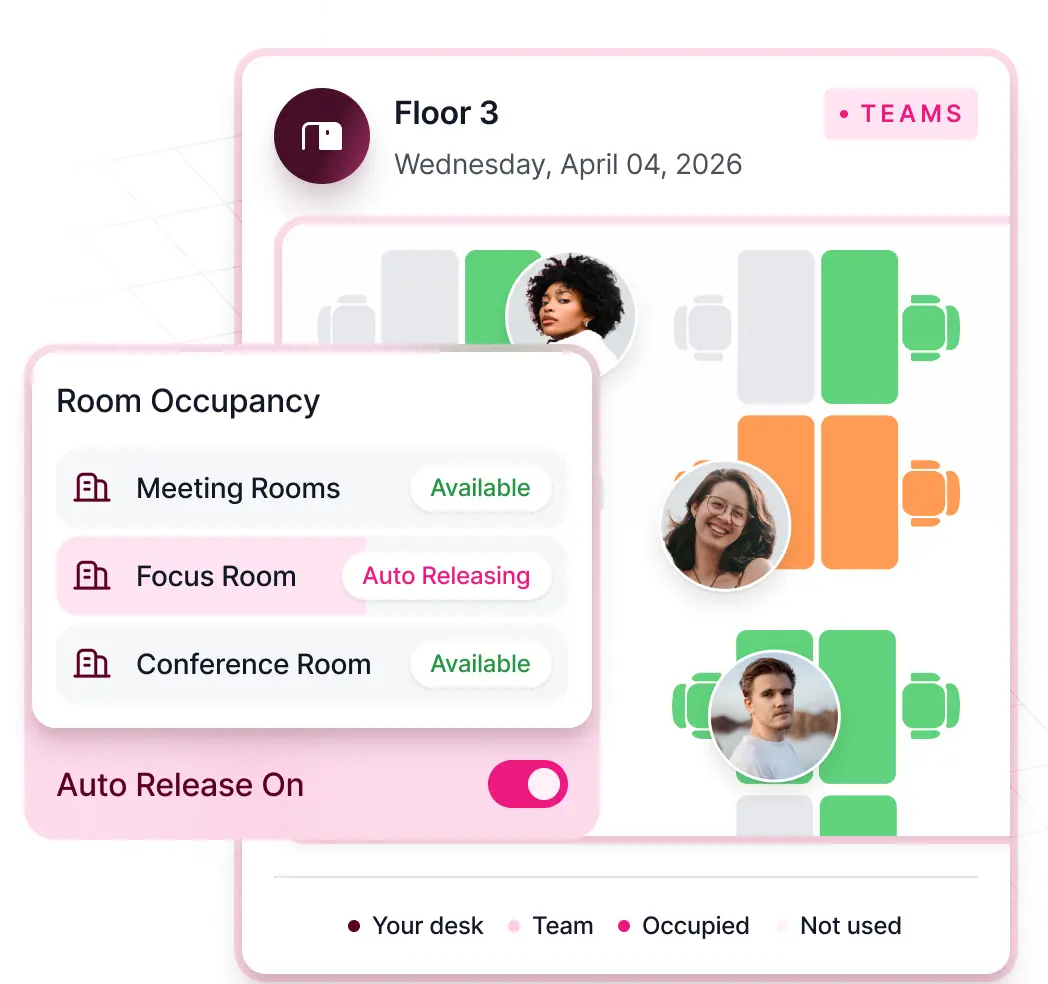
Assign teams to neighborhoods on chosen days, enforce closure and capacity controls automatically, and let room displays release no-shows instantly.
- Unified booking for desks, rooms and car parking
- Closure and capacity rules applied automatically
- Room displays that auto-release no-shows
Moves, adds and changes
Stop managing desk changes by spreadsheet.
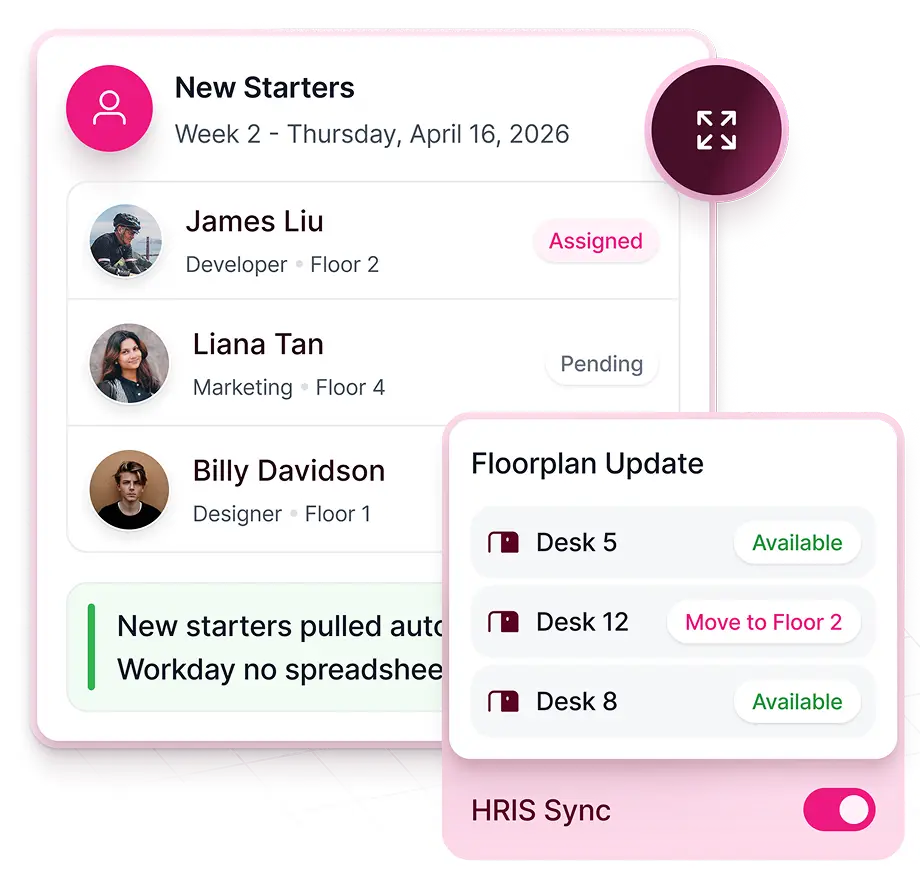
HRIS triggers desk assignment workflows before day one. Floor-plan-driven moves, additions and changes in one step, with move sheets generated automatically.
- HRIS-triggered desk assignment
- Floorplan-driven MAC in one step
- Auto-generated move sheets, no email chain
Visitors
Governed arrivals across every building.
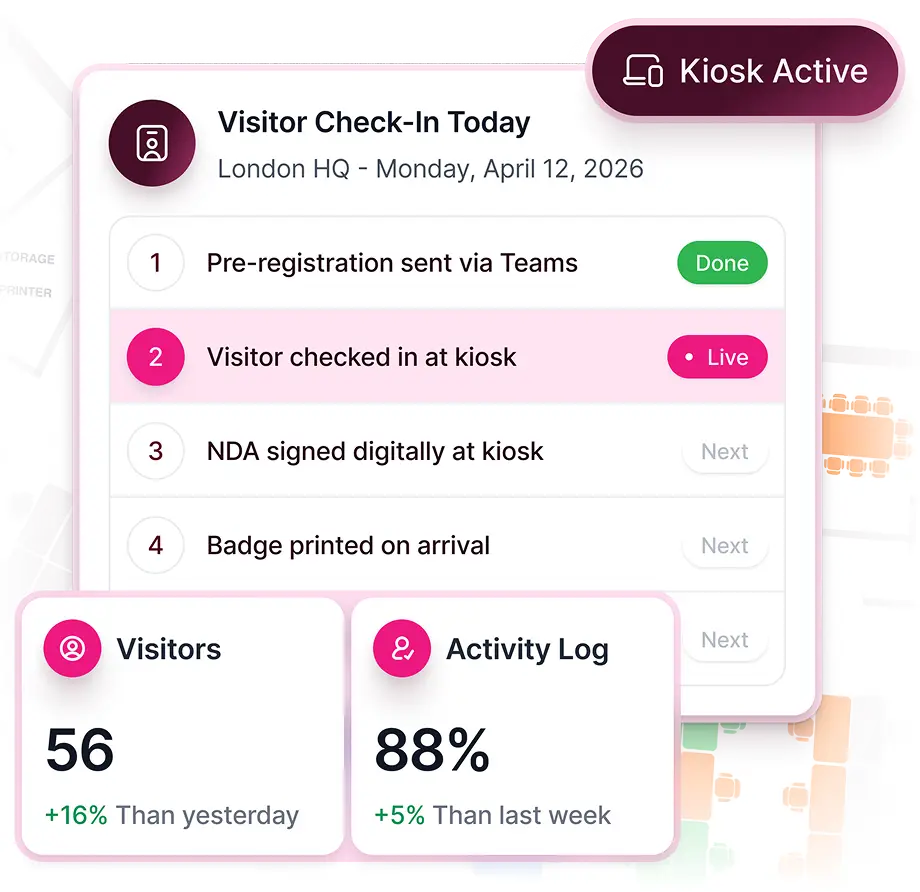
Pre-registration, kiosk check-in and badge printing on arrival. A complete, timestamped digital log exportable for any audit, and every check-in feeding presence data.
- Pre-registration and kiosk check-in
- Badge printing and host notification
- Exportable audit log
Customer story · Government
Denbighshire County Council backed its office consolidation with occupancy evidence.
Days to minutes time to produce occupancy reports for leadership
Read the storyFAQ
Questions from facilities teams
What is a workplace management system?
A single system for how the office runs day to day: bookings, neighborhoods, visitors, check-ins and the usage data behind them. Kadence adds the planning layer on top, so the same data drives portfolio decisions.
How is Kadence different from a legacy IWMS or CAFM tool?
Kadence is a modern IWMS. A legacy IWMS manages leases, assets and maintenance; CAFM focuses on facilities and space. Kadence runs the daily workplace and plans and executes change on live occupancy, and it can connect to your existing system of record rather than replacing it.
Do we need sensors?
No. Presence comes from Wi-Fi, badge, kiosk and room-display signals plus bookings. Sensors can be added where you already have them.
Next step
See how leaders run the modern workplace.
Thirty minutes with a workplace strategist. Bring a floor you are unsure about.