
Visitor management
Visitor management that works across every office.
Give visitors a smooth arrival and workplace teams a clear record of who is on-site. The Kadence visitor management system, part of WorkOps, brings check-in, host notifications, and visitor policies into one system across your locations.
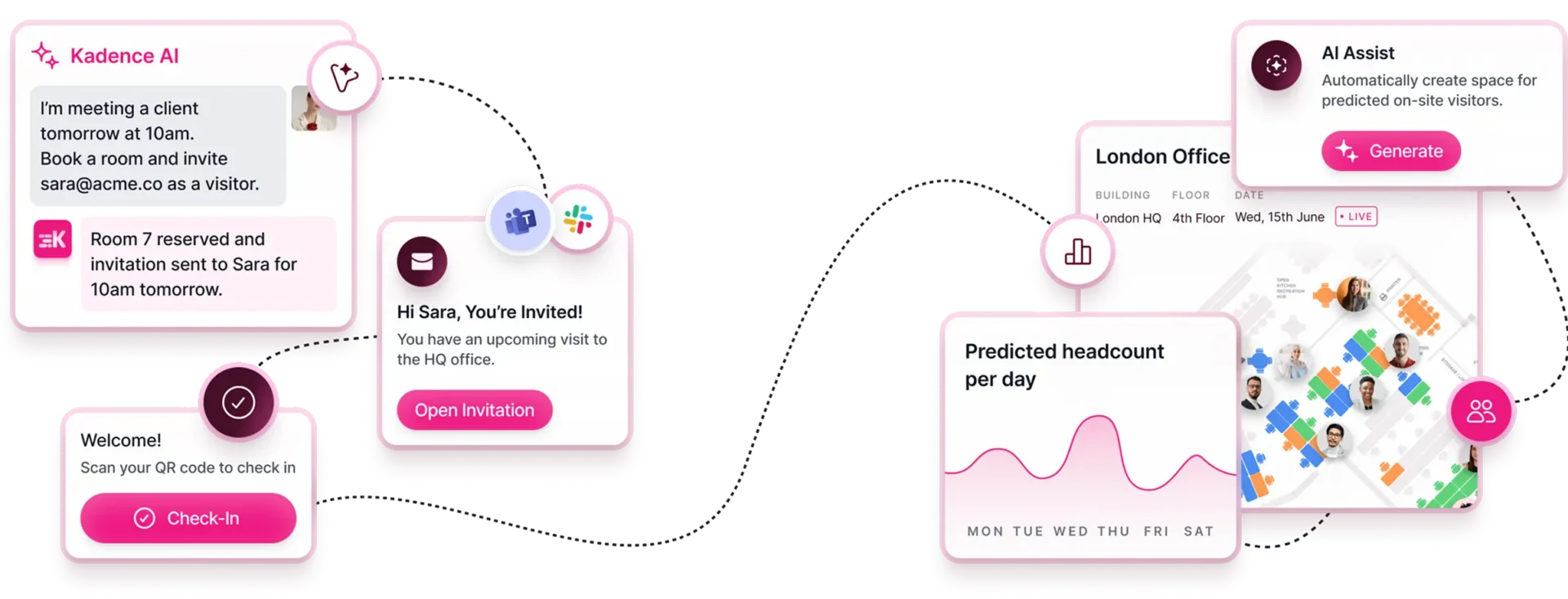
Illustrative visitor flow: a host asks Kadence AI to find a meeting room and register Alex Morgan as a visitor, and the invite is sent. At the front desk, Alex enters their name on the kiosk, takes a photo and signs the NDA, a visitor badge prints with Alex's photo, and the host is notified.


Visitor management system
What does a visitor management system do?
A visitor management system records who visits your offices, from invitation to check-out. With Kadence, hosts invite guests ahead of time, visitors check in at a kiosk or with a QR code, a badge prints with their photo, hosts get notified, and every visit lands in one log across all your sites.
Deliver a World-Class Visitor Management Experience Across Your Global Workplace
Kadence is built for global organizations that need more than a sign-in app. From self-service kiosks to centralized governance and AI-driven automation, Kadence runs visitor management operations as part of a single workplace platform.
How Kadence Visitor Management System Works
- 01
Invite and Prepare Visitors with Kadence AI
Kadence AI handles visitor invitations and ensures hosts and spaces are ready before arrival
- 02
Check In Seamlessly with Visitor Kiosks
Visitors arrive and check in using self-service kiosks
- 03
Monitor Occupancy and Stay Audit-Ready
Track who is onsite in real time, and maintain centralized visitor logs
Visitor management
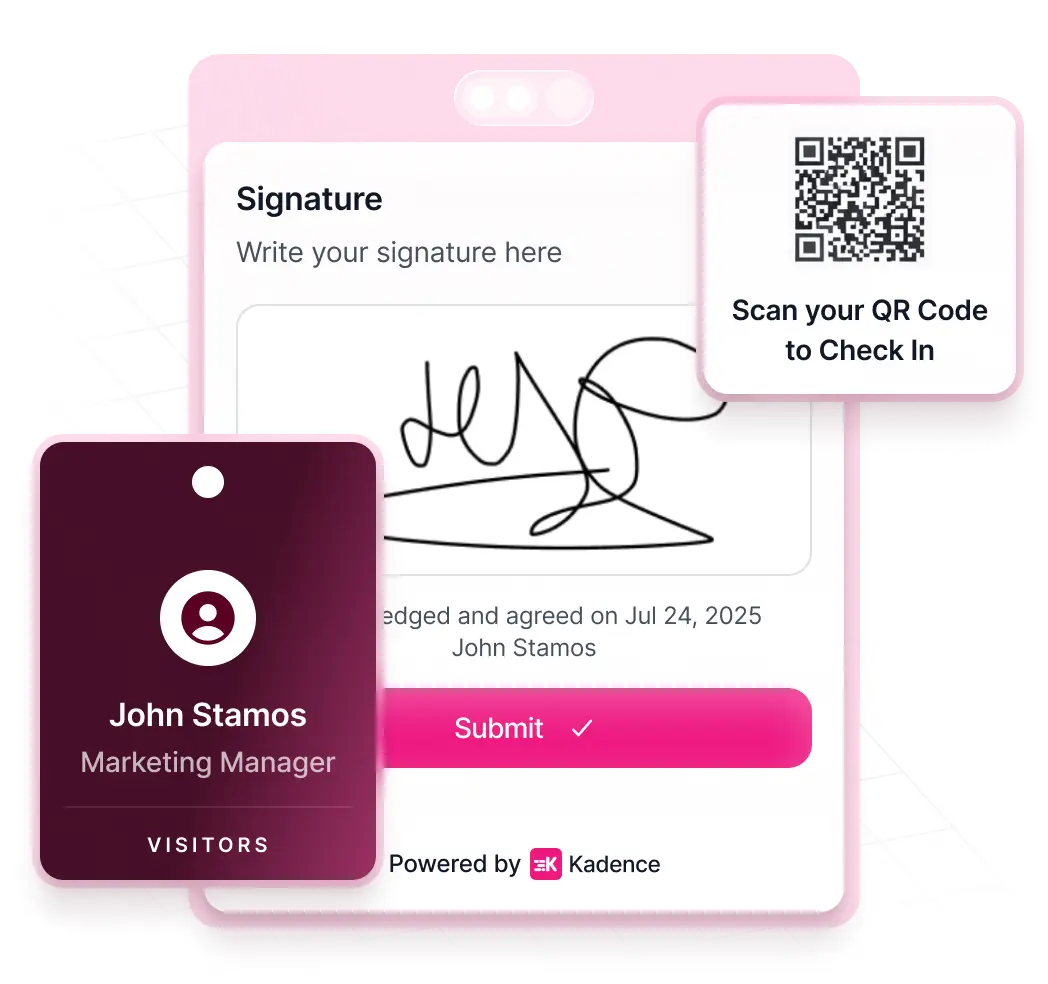
Kiosks That Remove Front-Desk Bottlenecks
Keep arrivals moving when the front desk is busy. Self-service check-in helps workplace teams welcome visitors without adding staff.
- Self-serve QR check-in + badge printing
- Built for high-volume, unattended entry
- Fewer queues
Visitor management
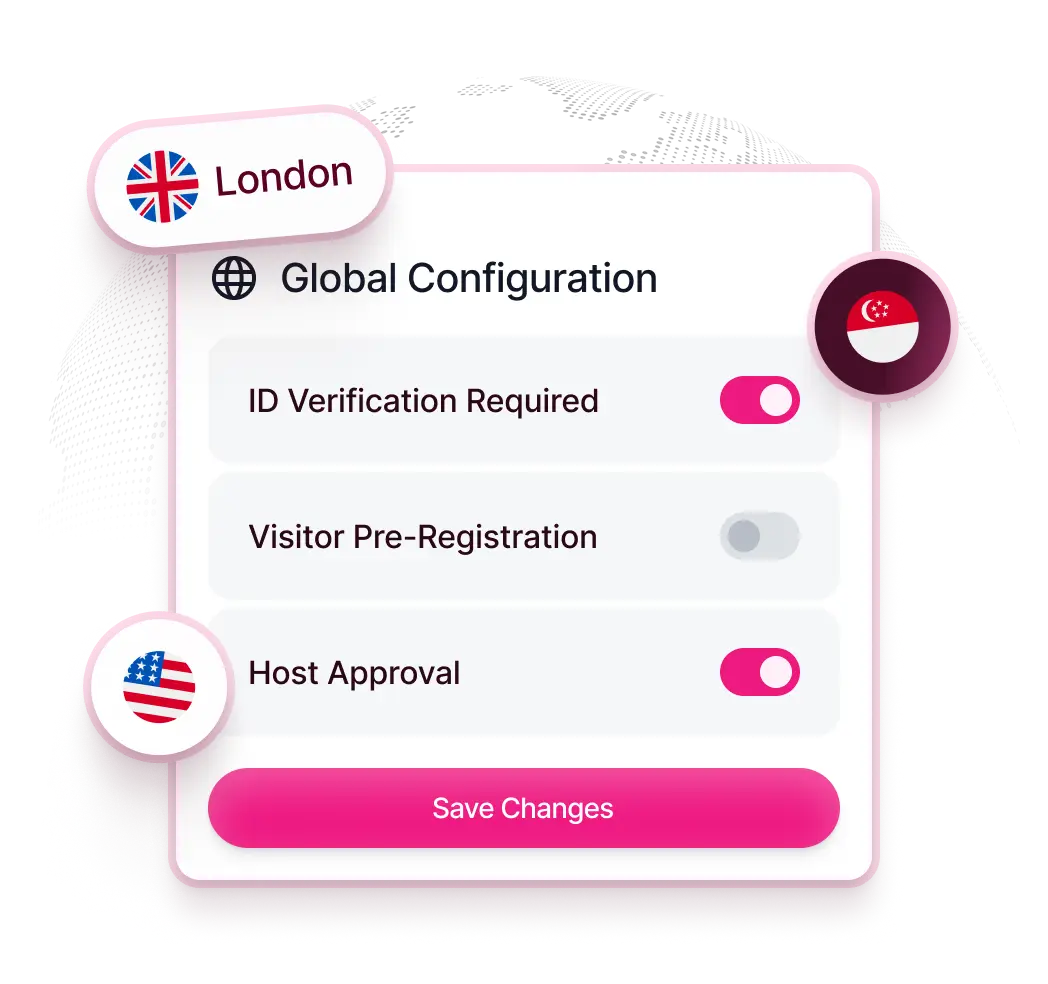
Standardize Visitor Workflows Across Every Location
Give every office a consistent process, with room for local requirements. Manage visitor policies centrally and apply location-level controls.
- Set policies once, enforce globally
- Location-level controls with centralized oversight
- Consistent check-in experience everywhere
Visitor management
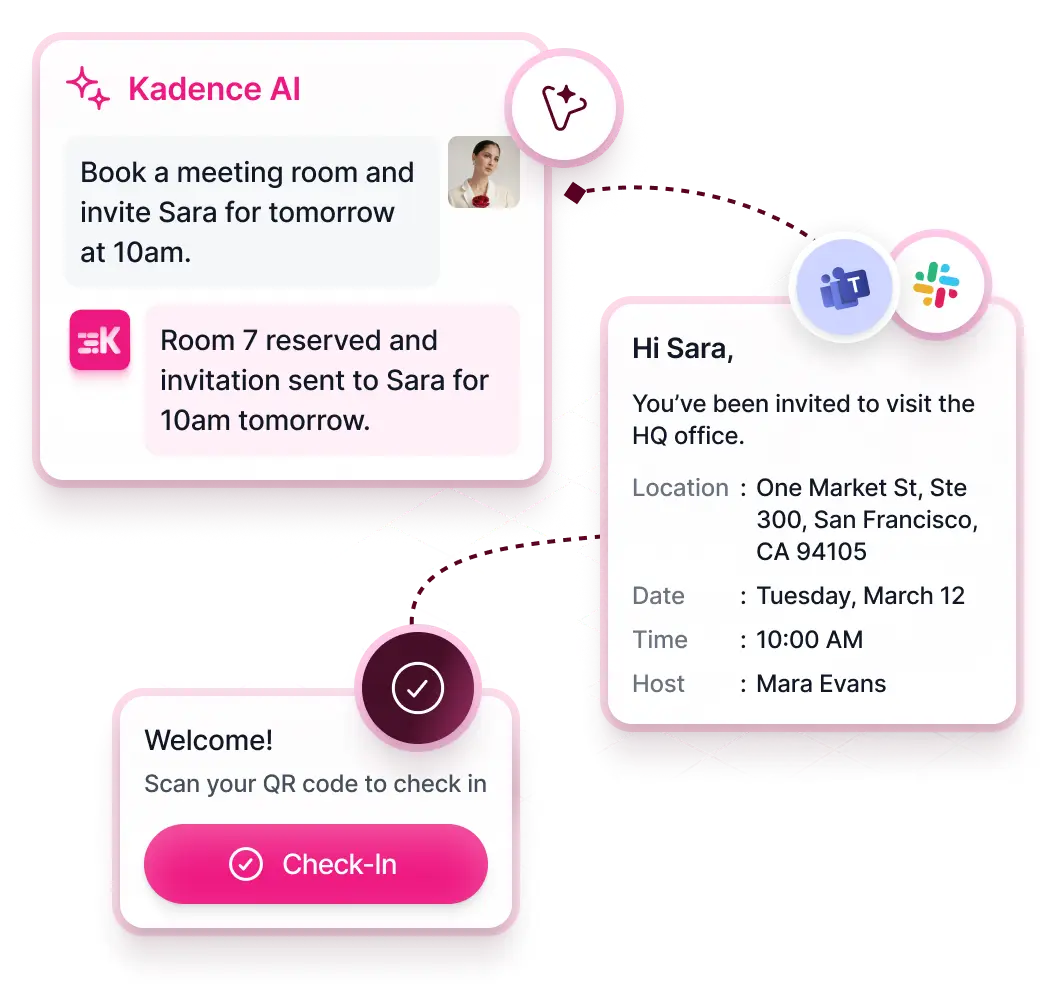
Automate Visitor Management with Kadence AI
Help hosts prepare before a visitor walks through the door. Kadence AI connects invitations, host notifications, and pre-arrival documents.
- AI-assisted invites
- Automatic host notifications
- Manage NDA + document signing ahead of arrival
Visitor management
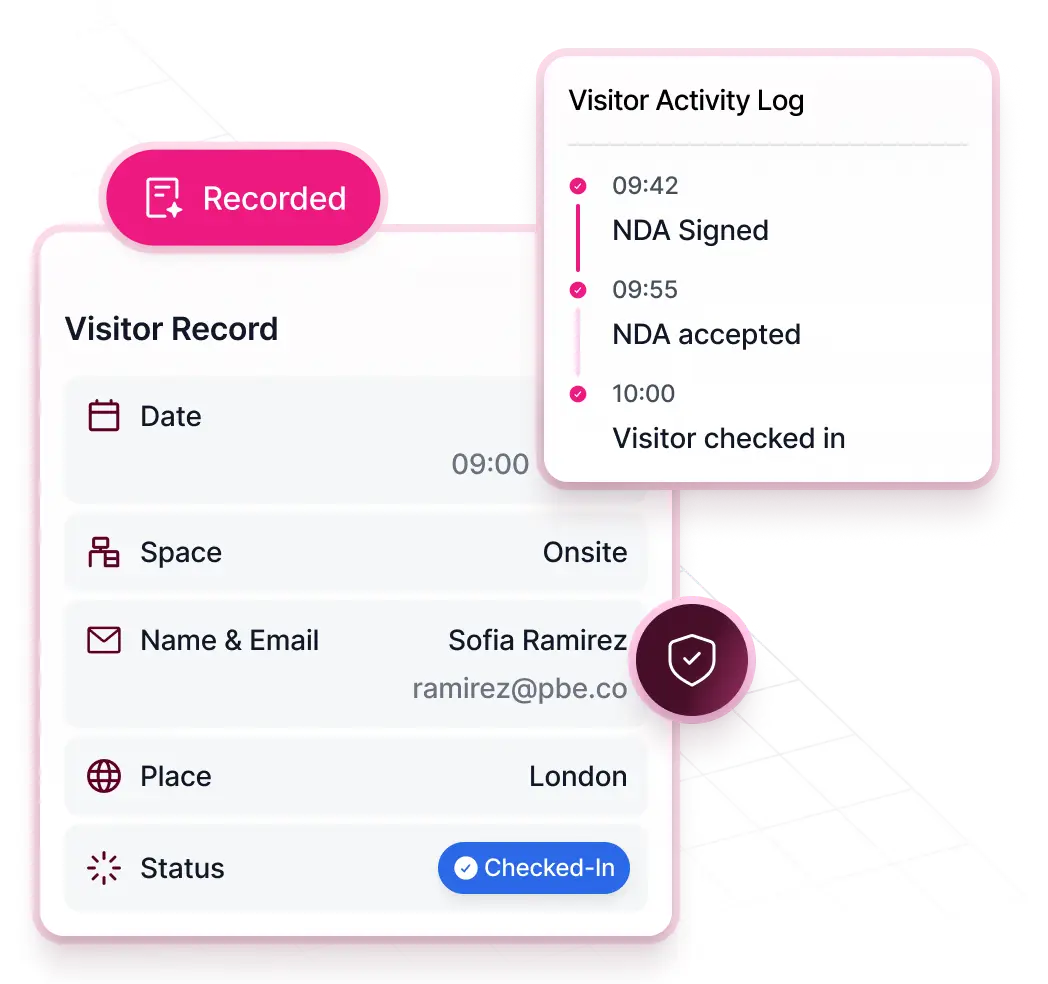
Audit-Ready Visitor Records by Default
Give security and workplace teams visitor records they can retrieve when they need them. Keep identity checks, signed documents, and location policies together.
- Identity capture + document signing enforced
- Centralized logs for audits and incident response
- Regional policies applied automatically
Workplace activity
A Complete View Of Workplace Activity
Built natively into the Kadence platform, Visitor Management feeds directly into SpaceOps, enriching workplace intelligence with real-world presence data.
- Track employee and visitor presence in one view
- Understand peak days, arrivals, and space demand
- Plan staffing, services, and space with greater accuracy
Key features
Key features of the Kadence visitor management system
Visitor management is part of WorkOps. Kiosk features are in WorkOps Pro, and VMS Documents is a paid add-on.
- Visitor kiosk and QR check-inVisitors check themselves in at an iPad, Android or Neat kiosk, or by QR code. WorkOps Pro.
- Badge printing and visitor photosPrint visitor badges at the kiosk, with photos and multiple badge profiles. WorkOps Pro.
- VMS Documents (NDA signing)Visitors sign NDAs and policies digitally at check-in. Paid add-on.
- Host notificationsHosts get notified when their guest arrives, and one guest can notify several hosts.
- Ad-hoc visitors and visitor check-outHandle walk-in visitors and record when they leave.
- Employee check-in at kioskEmployees can check in at the visitor kiosk too. WorkOps Pro.
- Kiosk brandingApply your brand colors to the kiosk experience. WorkOps Pro.
See what each plan includes.
Audit-ready data
Check-in data security, IT and workplace teams can use
Paper sign-in sheets miss people and cannot be searched. Kadence records each visit from check-in to check-out, counts employees who check in at the kiosk, and passes events to the systems your security and IT teams already run.
- One log for every siteEach visit is timestamped from check-in to check-out and can be exported for audits.
- Employees count tooStaff who check in at the visitor kiosk are counted in attendance, alongside Kadence Sense presence data.
- Events to your security toolsOutbound webhooks send real-time events to security or badge systems. The Audit Export API streams audit logs to your SIEM with 180 days of history.
- Plans built on real visitsVisitor data feeds SpaceOps, so space plans reflect who actually uses each office.
Built for IT and workplace teams
Roll out visitor management across every office
Workplace teams own the front desk. IT owns identity, devices and data. Kadence lets both set up one site at a time and keep every site consistent.
- 01
Connect identity
SSO and SCIM with Okta, Microsoft Entra ID, Google and others, so every host is in Kadence from day one.
- 02
Set up each front desk
Run the kiosk on an iPad, Android tablet or Neat device. Add your brand colors and badge profiles.
- 03
Set policies centrally
Give each building its own admins, ask visitors to sign NDAs with VMS Documents, and set how long personal data is kept.
- 04
Connect your systems
Send visit events to security tools with webhooks. Kadence holds SOC 2 Type II and Cyber Essentials and hosts data in the US or EU.
FAQ
Frequently asked questions
What is a visitor management system?
Visitor Management System is a crucial tool that enables your organization to efficiently invite, keep track of, and monitor individuals who visit your office. You can also customize your own policies, and procedures to meet your specific needs and requirements.
Why use a visitor management system?
Visitor Management System helps streamline visitor sign-ins by eliminating the need for manual processes. This not only speeds up complicated compliance needs but also greatly enhances security in your workplace by knowing exactly who’s on-site. See how Kadence AI helps you instantly invite visitors, and book them a desk, just by using a single prompt.
Does the system support multi-region governance?
Yes. Global administrators can set universal policies while still enabling site-level exceptions to meet regional or building-specific requirements.
Can we require NDAs or safety content before check-in?
Yes. With VMS Documents, a paid add-on, visitors sign NDAs and site policies digitally at check-in. Signed documents are stored automatically with your visitor records, so you can show who signed what during an audit.
Is badge printing available?
Yes. The kiosk prints a badge for each visitor at check-in, with their photo, and you can set up multiple badge profiles. Badge printing and the visitor kiosk are part of WorkOps Pro.
Can kiosks operate without staff present?
Yes. Kiosks support fully autonomous check-in, making them ideal for hybrid workplaces, peak-time overflow, or low-staffed front desks.
How secure is visitor data?
Kadence holds SOC 2 Type II and Cyber Essentials certification, hosts data in the US or EU, and lets admins set how long personal data is kept. Visitor records sit in one central log, and the Audit Export API can stream audit logs to your SIEM with 180 days of history.
Can I see a demo of the Kadence visitor management system?
Yes. Book a demo and a Kadence expert will walk you through the full visitor flow: the invitation, kiosk or QR check-in, badge printing with a photo, NDA signing and host notifications. You can also watch the short product video on this page first.
Can walk-in visitors check in without an invitation?
Yes. Kadence handles ad-hoc, walk-in visitors as well as invited guests. Visitor check-out records when each guest leaves, so your log shows who is on site at any time, in every office.
Which devices can run the visitor kiosk?
The Kadence visitor kiosk runs on iPad, Android tablets and Neat devices. Visitors check in on screen or by scanning a QR code, and employees can check in at the same kiosk. You can apply your brand colors to the kiosk, so it matches your front desk.
Explore more
Next step
Transform Your Visitor Experience
Join enterprise leaders running safer, more consistent, and more efficient visitor experiences at scale.