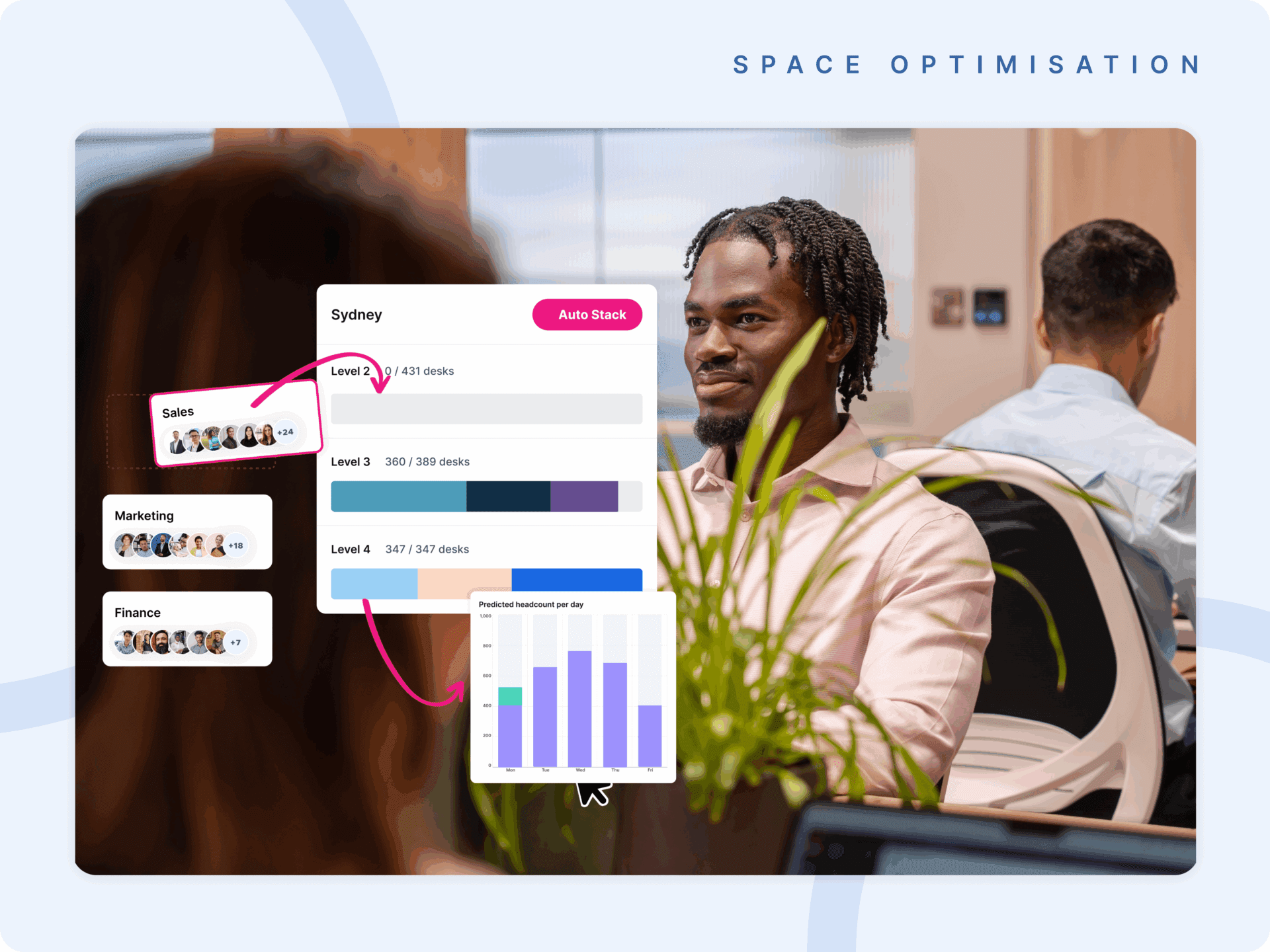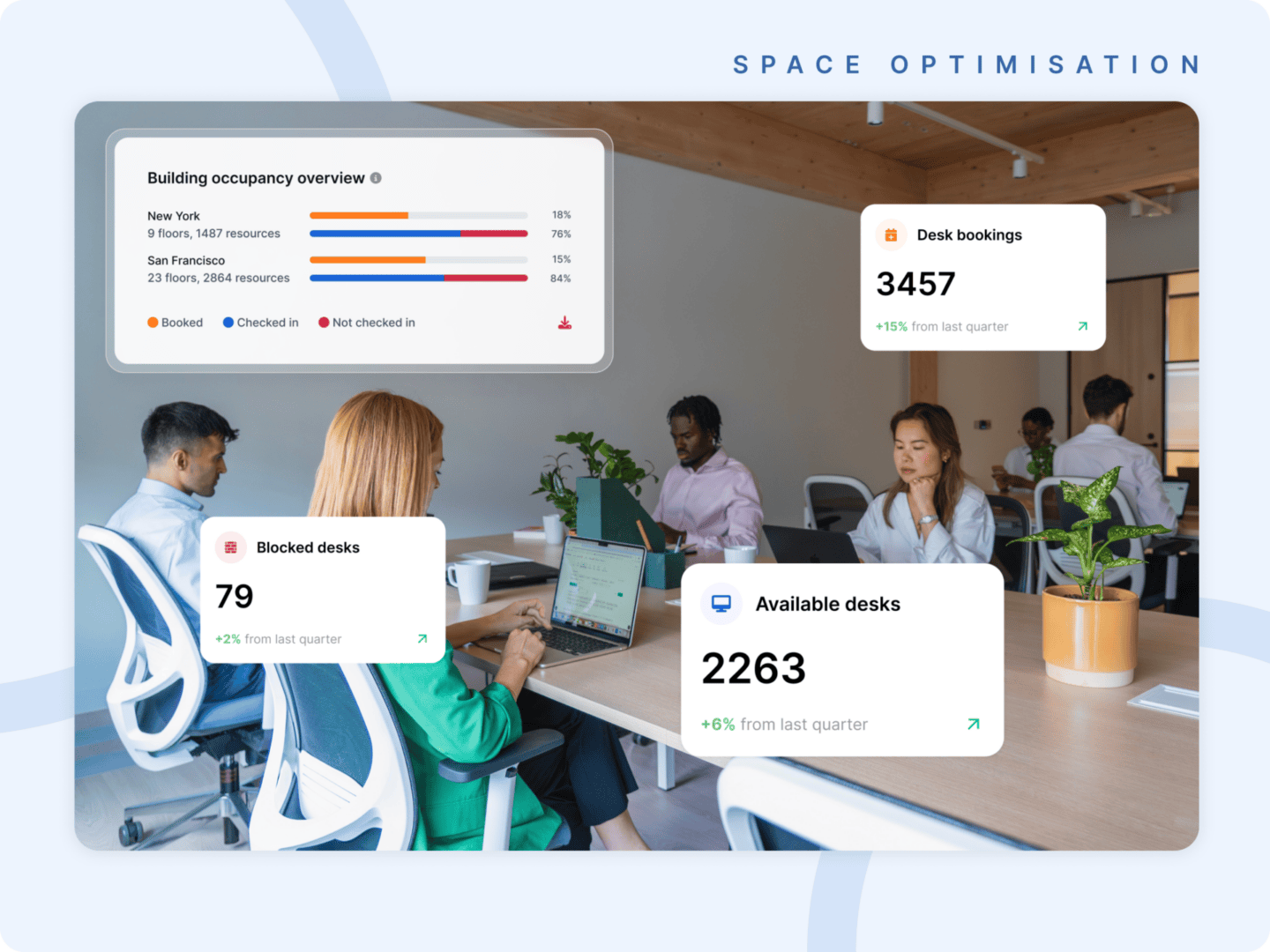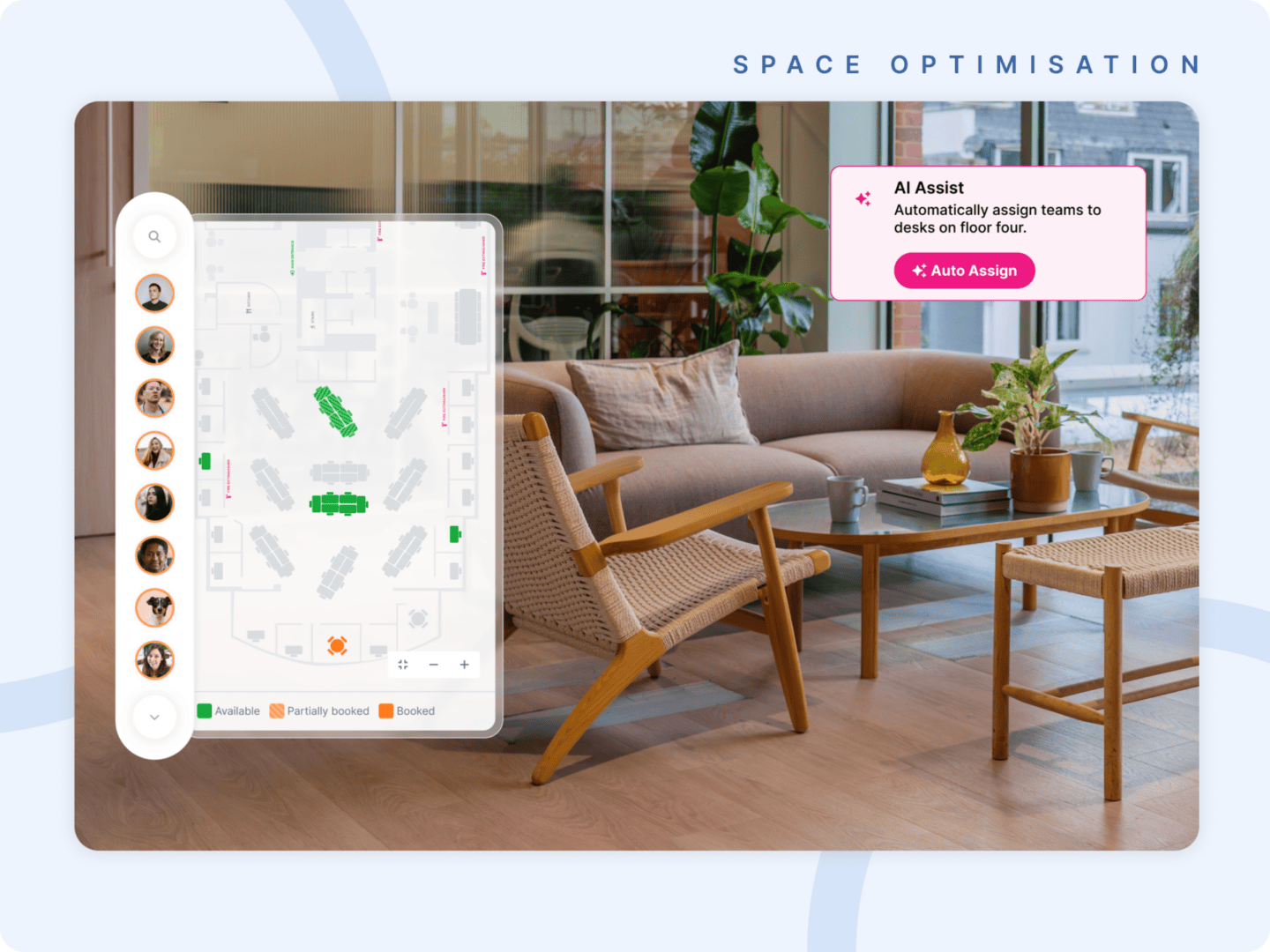
For years, room displays have been treated as signage.
A screen on a wall. A color indicator. A calendar no one fully trusts.
That approach worked when workplaces were simpler. When one office managed one set of rooms. When utilization data didn’t matter. When the gap between what was booked and what was actually used was just an inconvenience — not a line item.
That’s not the workplace enterprise leaders are managing today.
Meeting rooms are one of the most expensive and most wasted assets in a corporate real estate portfolio. Ghost meetings silently drain capacity. Employees waste time hunting for space. Utilization dashboards show what was booked — not what happened. And booking policies drift across offices with no consistent enforcement.
The display on the wall has never been able to solve any of that.
Until now.
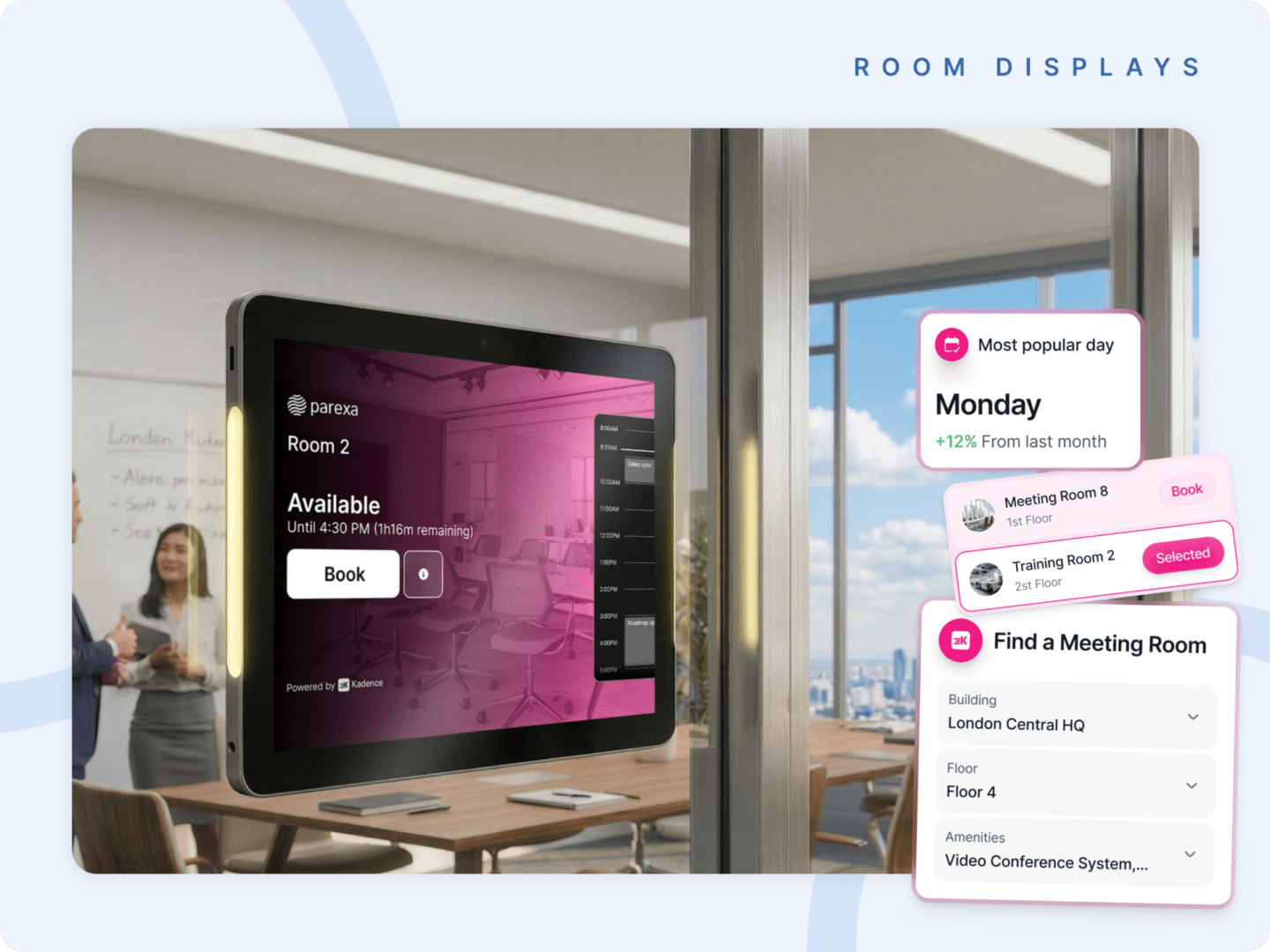
Today, we’re introducing Kadence Room Displays — a fully integrated room display solution built natively into the Kadence Workplace Operations Platform.
This is not a panel on a wall. It’s an operational control point — and it changes what happens the moment someone walks up to a meeting room door.
What's New
Here’s what’s now available with Kadence Room Displays:
- AI-powered no-show detection and automatic room release
- Instant at-door booking for ad-hoc space needs
- Find-A-Room Nearby to surface available rooms without leaving the floor
- Check-in enforcement via display, mobile, or sensor integration
- Native Outlook & Google Workspace sync — real-time, two-way
- Global policy governance — configured centrally, enforced locally
- Runs on standard iOS and Android tablets — no proprietary hardware required
- Live data feed into Kadence analytics — every check-in becomes a workplace intelligence signal
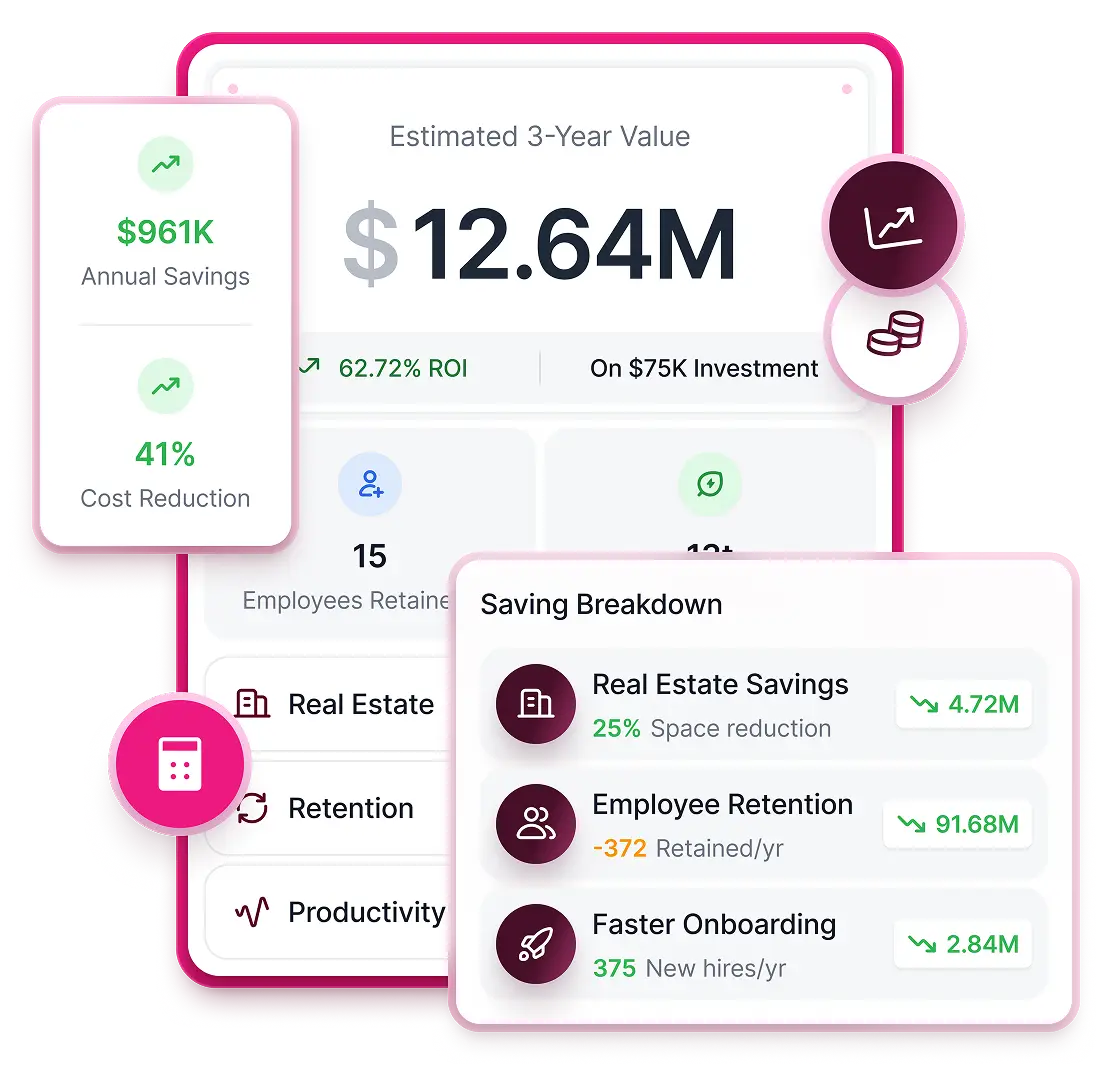
Calculate the ROI of Your Workplace Operations
Our brand-new ROI Calculator is here to help you visualize your success in seconds.

Why Traditional Room Displays Fall Short
Most room displays were designed to show availability. They were never designed to enforce it.
That distinction matters more than it sounds. A display that shows “occupied” when nobody is in the room isn’t solving a problem. It’s labeling one.
Without automation, enforcement, and integration, the same problems repeat every day:
- Rooms stay booked but unused — ghost meetings that never get reclaimed
- Employees waste time walking floors searching for space the calendar says doesn’t exist
- Check-in policies are inconsistently applied, or not applied at all
- Utilization data reflects bookings, not behavior — making it unreliable for any real decision
The result is visibility without accountability. And for enterprise workplace leaders trying to optimize a global real estate portfolio, that’s not enough.
6 New Kadence Room Display Features
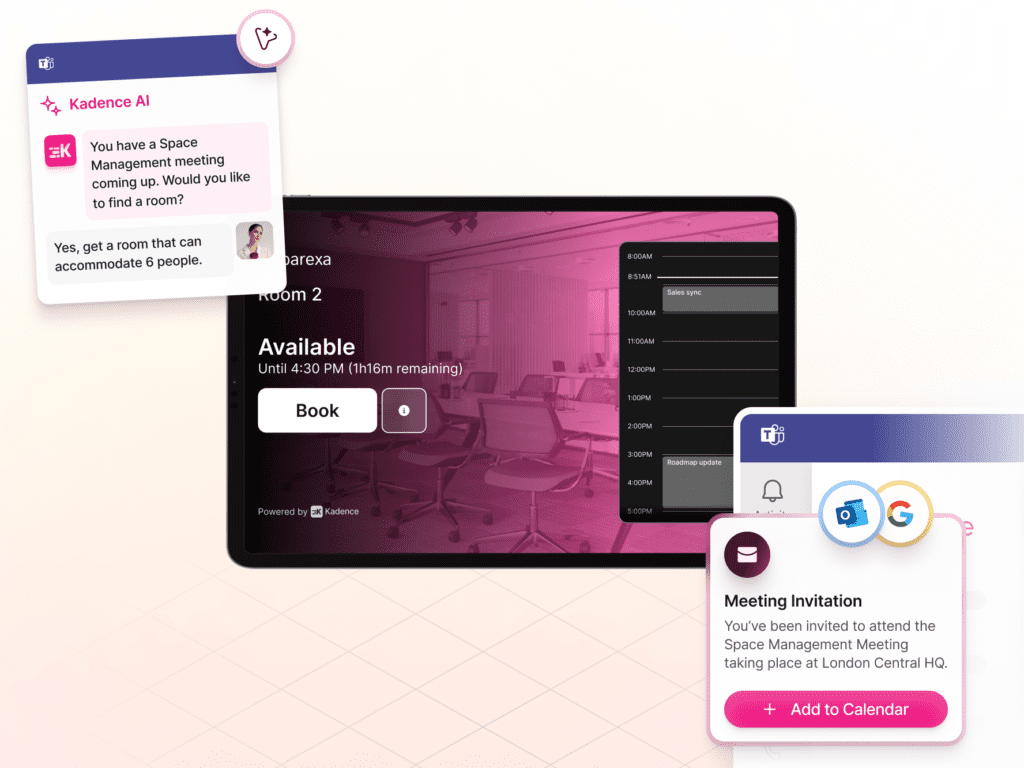
1. Live Availability with Instant Booking
Room status should be accurate, actionable, and immediate. Kadence displays show real-time availability and let employees book open rooms directly at the door — no app switching, no calendar hunting, no asking a colleague if that room is actually free.
- View live room status at a glance
- Book instantly from the tablet at the door
- Adjust or extend meetings in real time
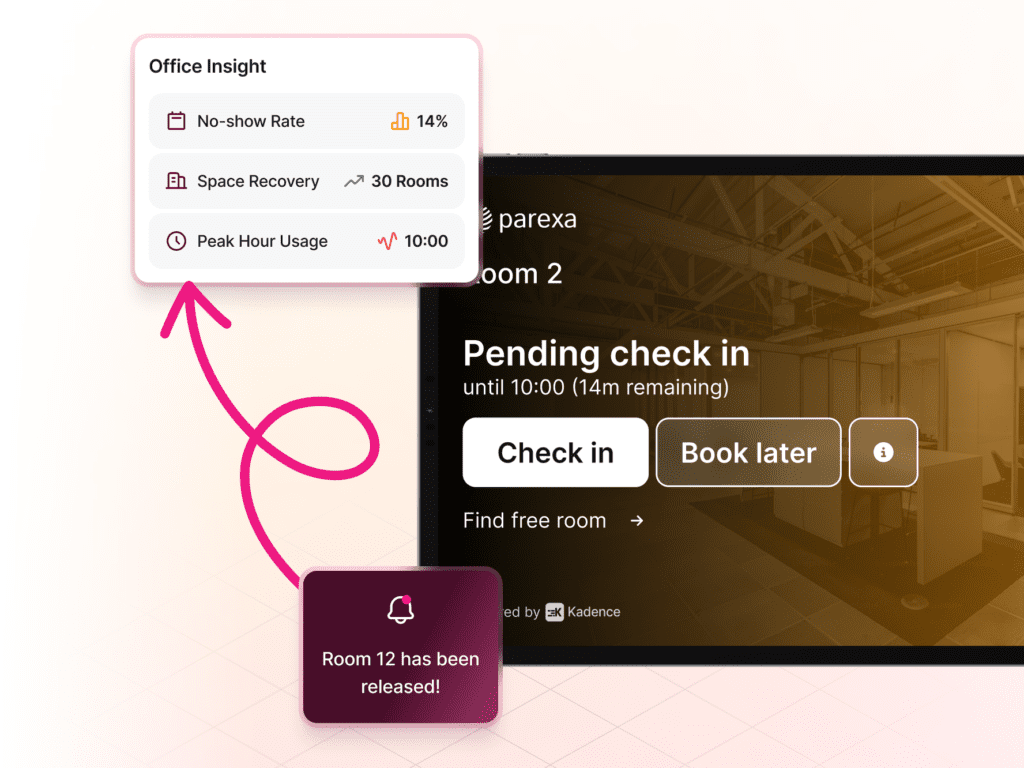
2. AI-Powered No-Show Detection and Auto-Release
Ghost meetings are one of the largest hidden drivers of wasted real estate spend. Kadence detects missed check-ins and automatically releases unused rooms back into availability — without anyone having to intervene.
- Increased room availability without expanding footprint
- Fewer ghost bookings blocking space for others
- More accurate utilization reporting as a result
3. Check-In Enforcement that Protects your Data
Utilization dashboards are only as trustworthy as the data behind them. When check-in is enforced at the door — at the moment it matters — booking data finally reflects real occupancy behavior, not intentions.
- Fewer ghost meetings across your estate
- Consistent policy enforcement across every region
- Defensible utilization insights for real estate decisions
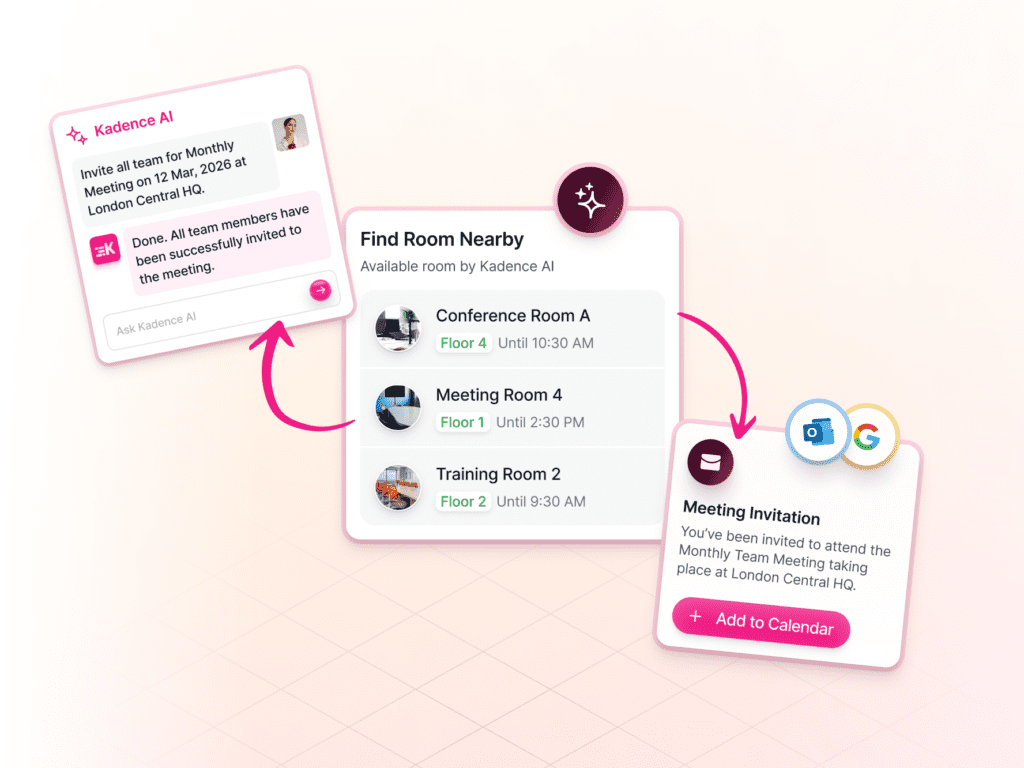
4. Find-A-Room Nearby
Instead of walking the floor hoping to find space, employees can identify nearby available rooms directly from the display — instantly, without pulling out a phone or opening a laptop.
- Faster decision-making during peak demand
- Better distribution of meeting demand across floors
- Less frustration, better collaboration flow
5. Built-In Enterprise Governance
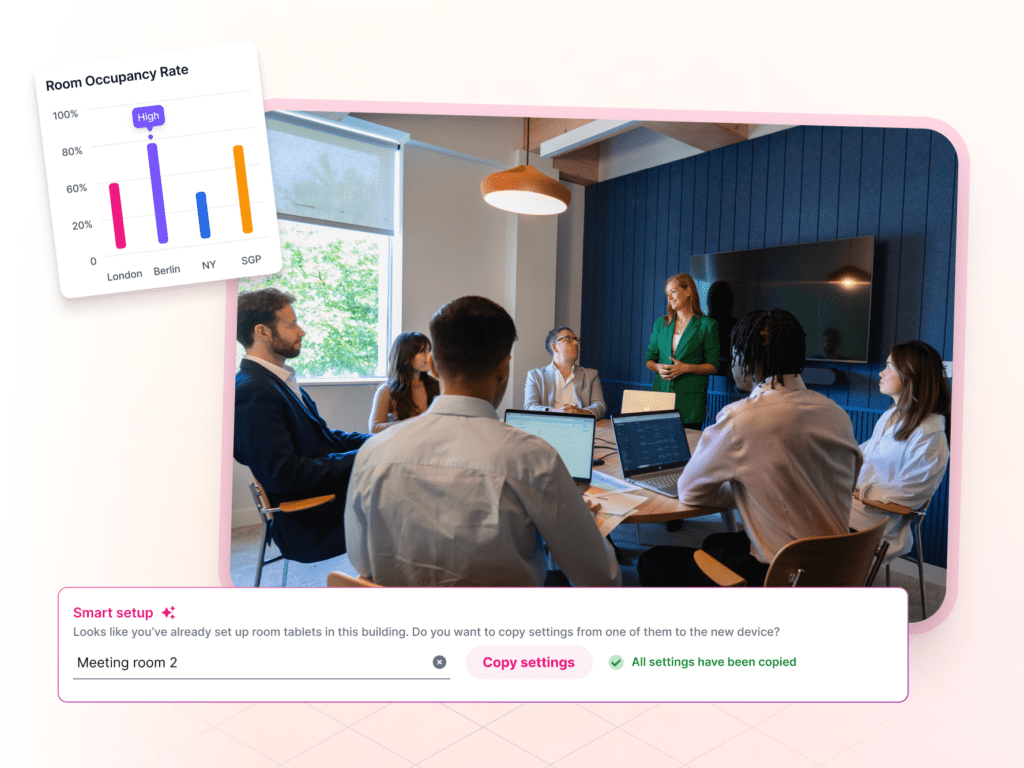
Booking policies shouldn’t drift across buildings or regions. Kadence Room Displays are governed centrally through the same platform managing room booking, desk booking, visitor management, and SpaceOps — configured once, enforced everywhere.
- Set check-in windows and auto-release policies centrally
- Apply role-based permissions by location or team
- No fragmented tools, no policy inconsistency
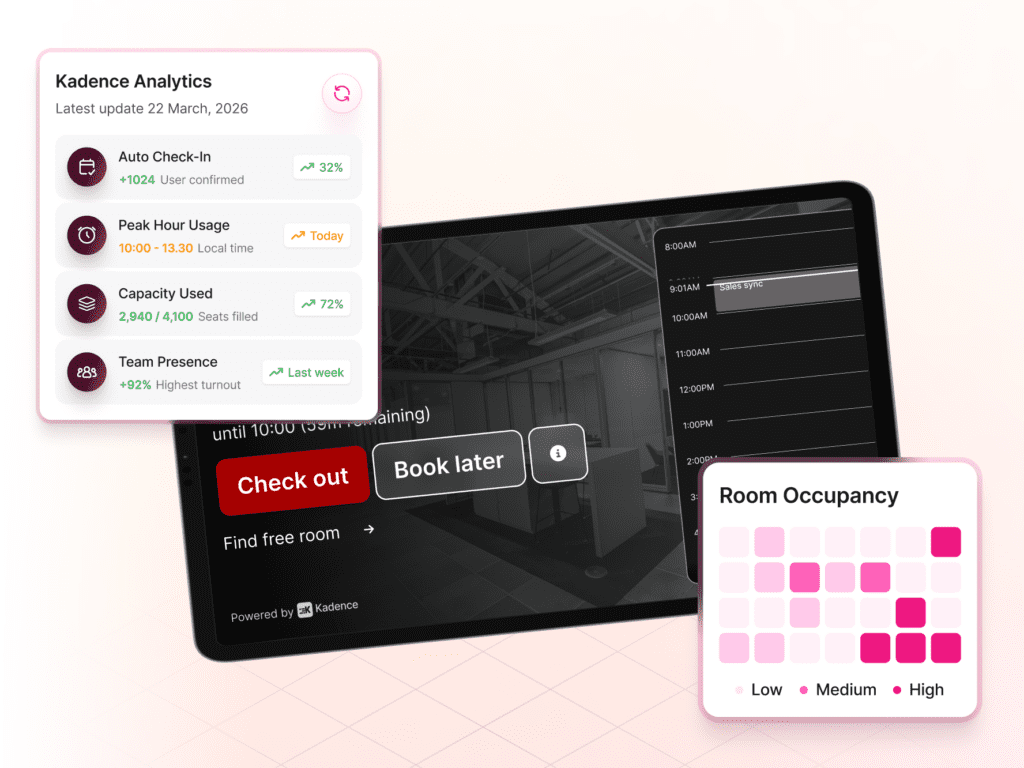
6. Unified Workplace Intelligence
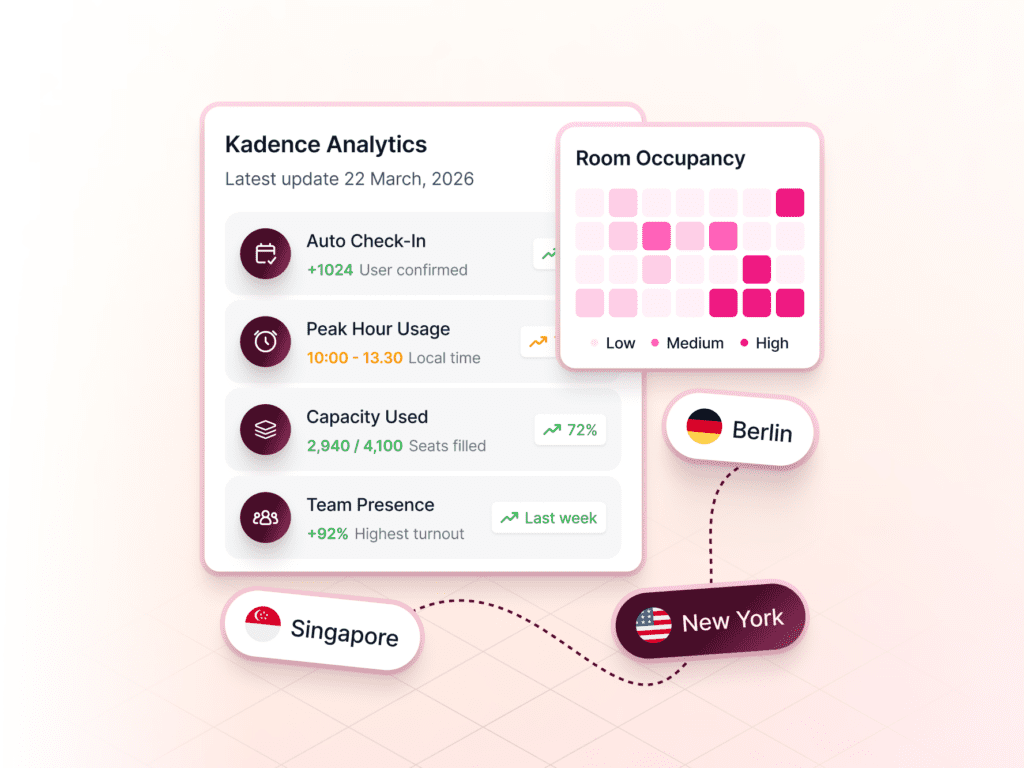
Every booking, check-in, and release feeds directly into Kadence analytics — building an accurate, real-time picture of how space is actually used across your estate. The door becomes a data source.
- Real-time utilization dashboards and occupancy heatmaps
- Capacity optimization insights across your portfolio
- Data that strengthens every downstream real estate decision
Part of Something Bigger Than A Room Display
With the launch of the new Visitor Management System earlier this year, Kadence brought intelligence to the front door of the workplace.
Room Displays extend that intelligence deeper — into the rooms where collaboration happens every day.
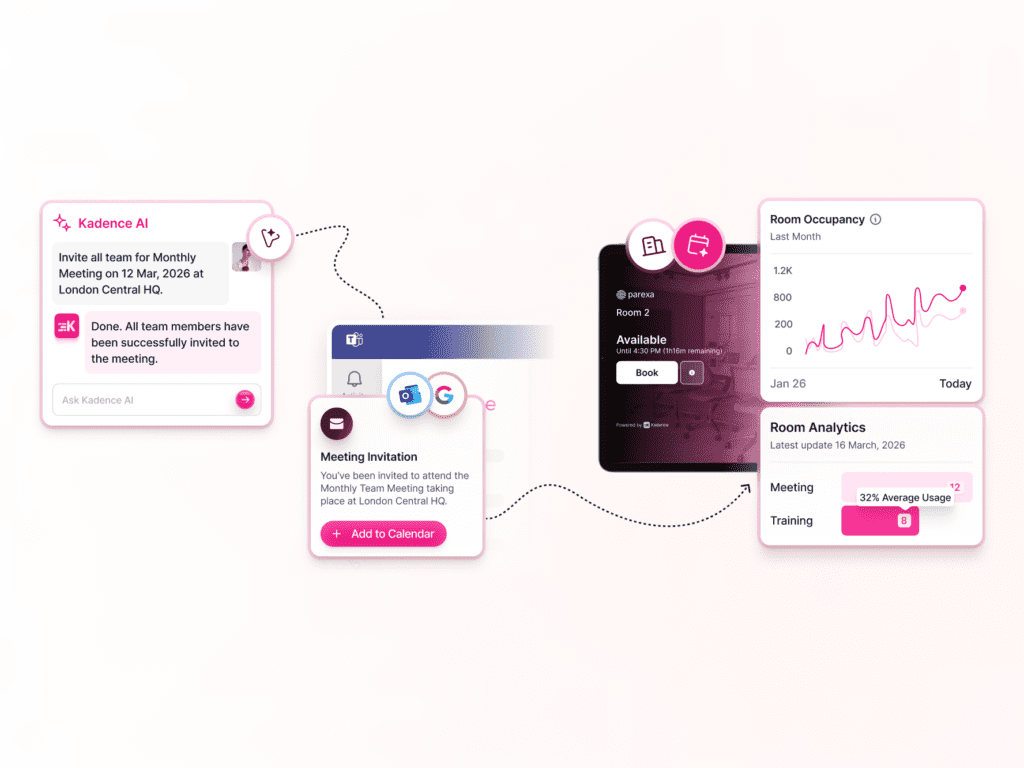
Together with Room Booking, Desk Booking, Visitor Management, and SpaceOps, Room Displays help complete the Kadence Workplace Operations Platform. One system managing every layer of how your workplace functions — from how people book space, to how they use it, to how that data shapes the decisions that optimize it over time.
This is what separates Kadence from standalone display vendors.
We don’t sell panels. We build operational infrastructure.
The Bigger Picture
Enterprise workplace leaders are under pressure to reduce wasted square footage, improve employee experience, enforce global policies, and deliver utilization reporting that holds up to scrutiny.
Room Displays may seem like a small addition.
But the operational leverage they create is significant — because optimizing space doesn’t start in a dashboard.
It starts at the door.
Kadence Room Displays are available from March 2026. If you’re ready to turn every room door into an operational control point, book a demo to see it in action.