
Neat
Room booking and visitor arrivals, powered by Neat.
Give employees room booking at the door and visitors a consistent check-in experience with Kadence on Neat devices.
Illustrative Neat room panel changes from available to booked, counts down the check-in window and confirms check-in before auto-release.
Room Display
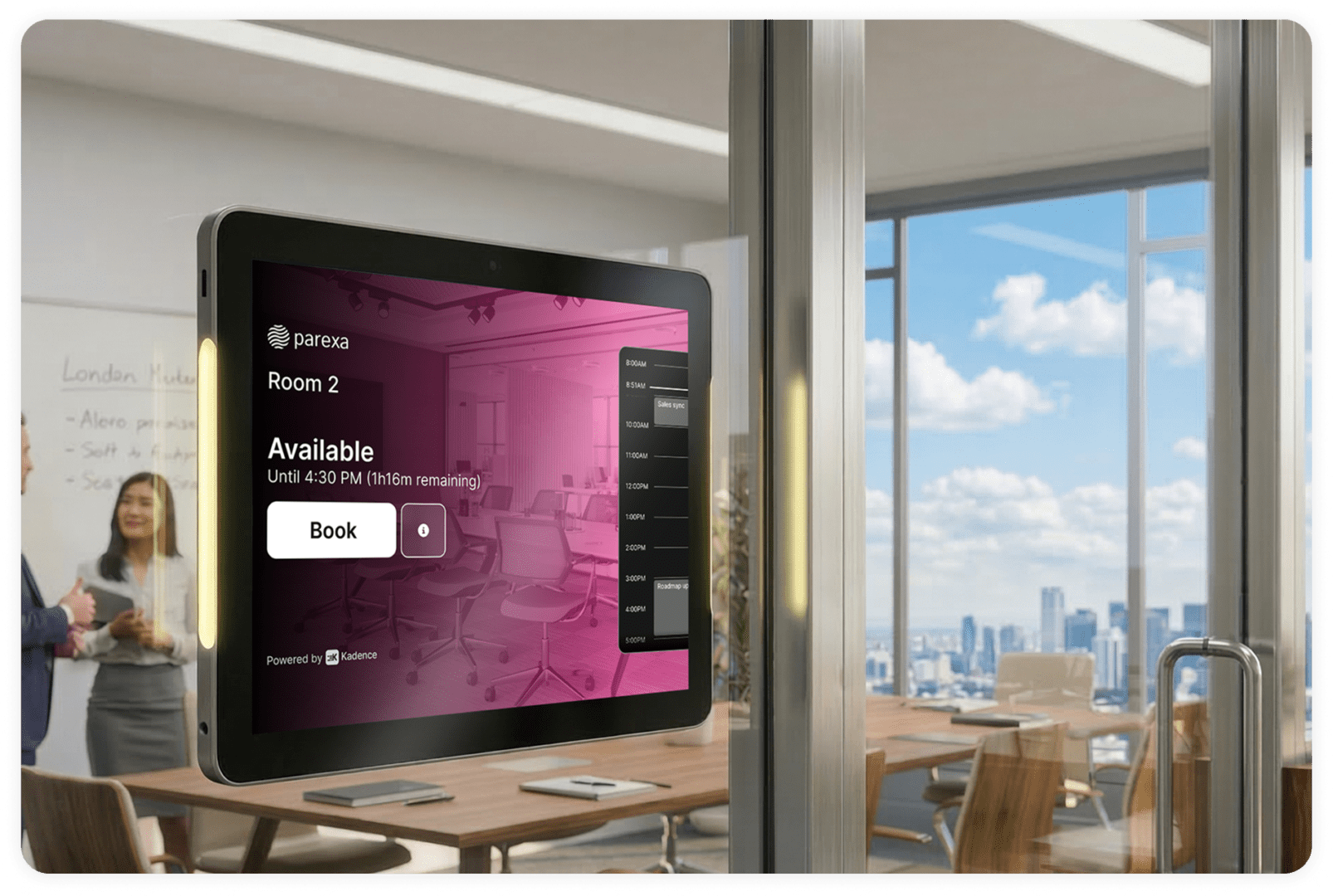
Beautiful display that just works
Kadence’s room booking software seamlessly integrates with Neat . The Neat Pad complements any workplace environment, whether mounted on a wall, glass or table. With its sleek design, there’s no need for cluttered cables and integrates LED indicators provide instant visibility into room availability, making scheduling effortless and intuitive.
Room Booking Software
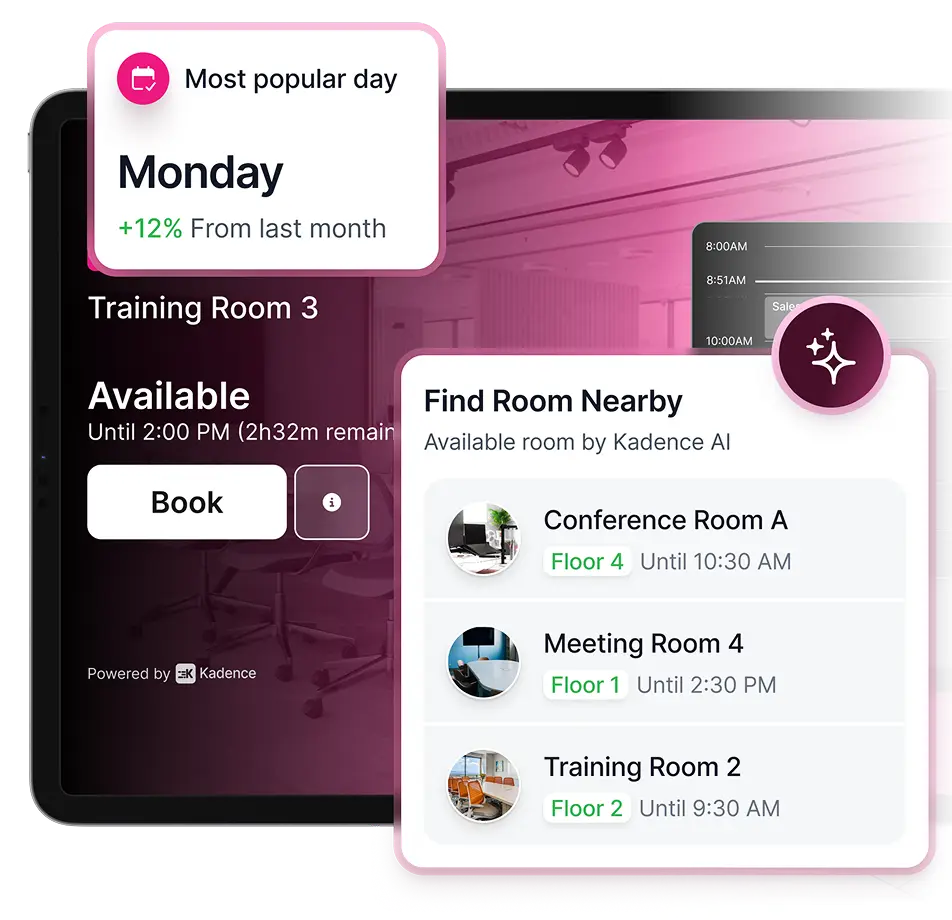
See room availability at a glance
Streamline room access and resource management with our room booking display software. Effortlessly check meeting room availability, amenities, and capacity all in one place. You can instantly book the room without having to go through your other calendar systems, start or end a meeting from right outside the room. Increase visibility on room status to avoid booking conflicts.
Seamless Visitor Management
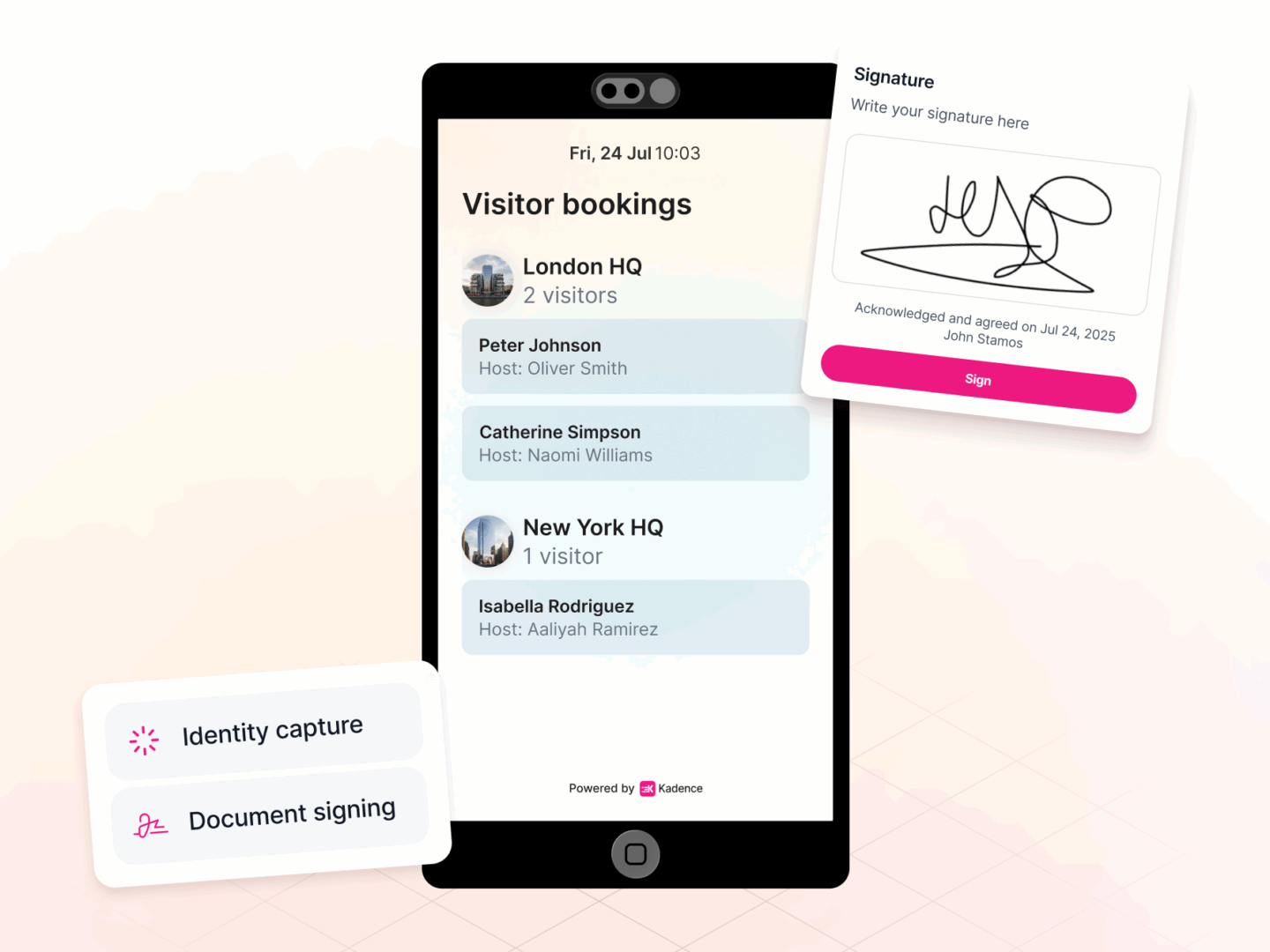
Visitor Kiosks That Remove Front-Desk Bottlenecks
Keep arrivals moving smoothly, even during peak periods, without adding staff or compromising security. With self-serve QR check-in, our seamless integration supports high-volume, unattended entry while reducing front-desk bottlenecks and minimizing queues for a faster, more secure visitor experience.
Key Features
Find the right room, at the right time.
FAQ
Frequently asked questions
What is Neat Pad?
Neat Pad is a simple and elegant touch screen you can configure as a controller inside any meeting room or use as a scheduling display outside any meeting room. Neat Pad is included with Neat Bar but can be paired with any Zoom Rooms or Microsoft Teams Room system, eliminating the need for an iPad, or other consumer-grade tablets. Thanks to just one Power over Ethernet cable, Neat Pad never runs out of battery either. It’s always on, ready for you to leap into action.
Where can I find product specification about Neat Pad?
Detailed specifications for Neat Pad can be found on our website on Neat Pad Specifications.
How do you set up a Neat Pad?
Neat Pad includes a wall-mount and side mount, so it’s easy for anyone to install and set up. Use the wall mount to fix Neat Pad to the wall as a controller in your meeting room or scheduling display outside your meeting room. Apply the side mount to attach Neat Pad to your doorframe or mullion.
Explore more
Next step
Start working smarter with Kadence
Book a demo, and see our Neat integration in action. Find out how we can help create smarter, more productive workplace for your people.