
WorkOps
Run all workplace operations from one platform.
WorkOps brings desks, rooms and people into one place. From space booking and visitor management to insights and analytics, run your whole workplace on a single platform.
Illustrative WorkOps dashboard, Today's office at New York HQ: office occupancy at desks 90%, rooms 58%, parking 32%; a live floor plan where 13 people check in at their desks; capacity 67% (up 5% on last week), 348 desks booked (down 12%) and 16 rooms booked (up 24%). Works inside Microsoft Teams and Slack, with people checked in on Wi-Fi.




Trusted by forward-thinking organizations








Space
One place to manage every space.
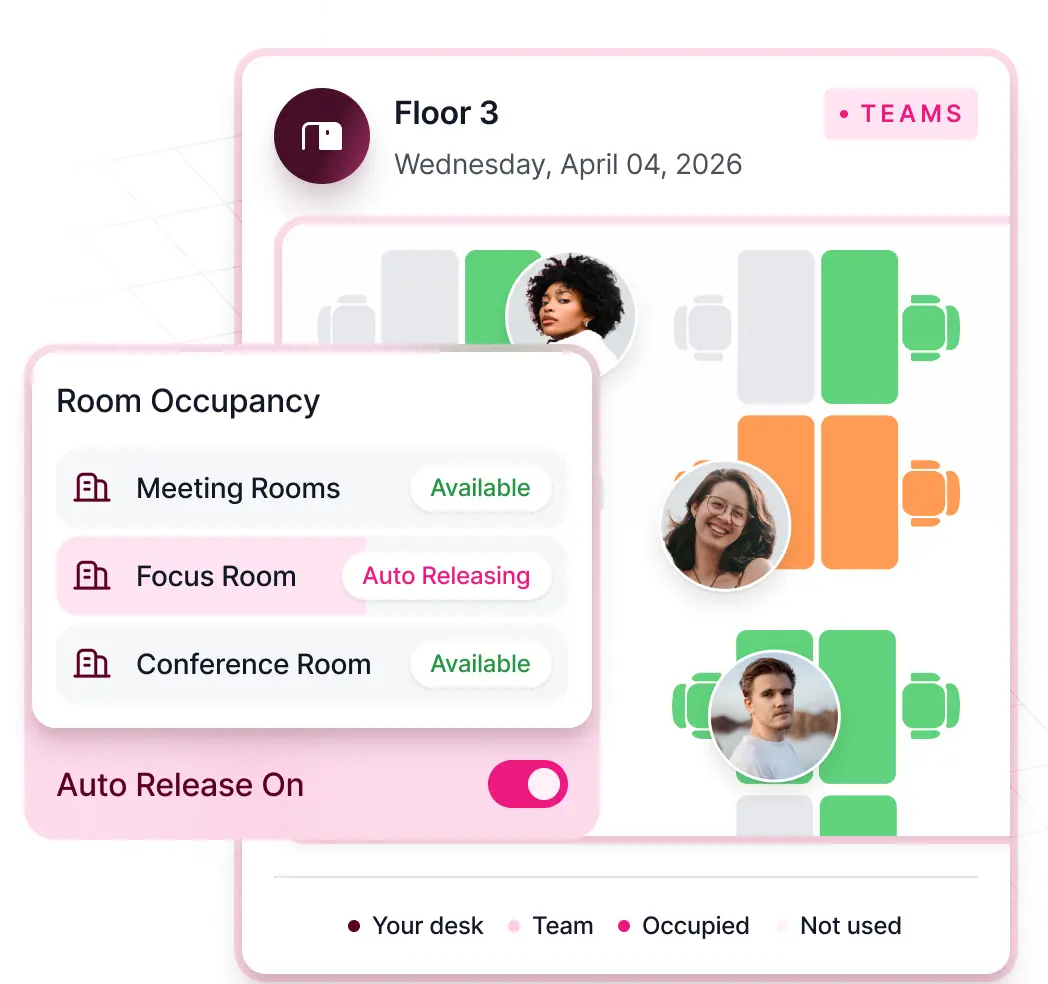
Unified management and booking for desks, rooms, parking and team neighborhoods.
- Assign teams to neighborhoods on the days they come in
- Closure and capacity controls enforced automatically
- Room displays release no-shows automatically


People
Teams working in lockstep.
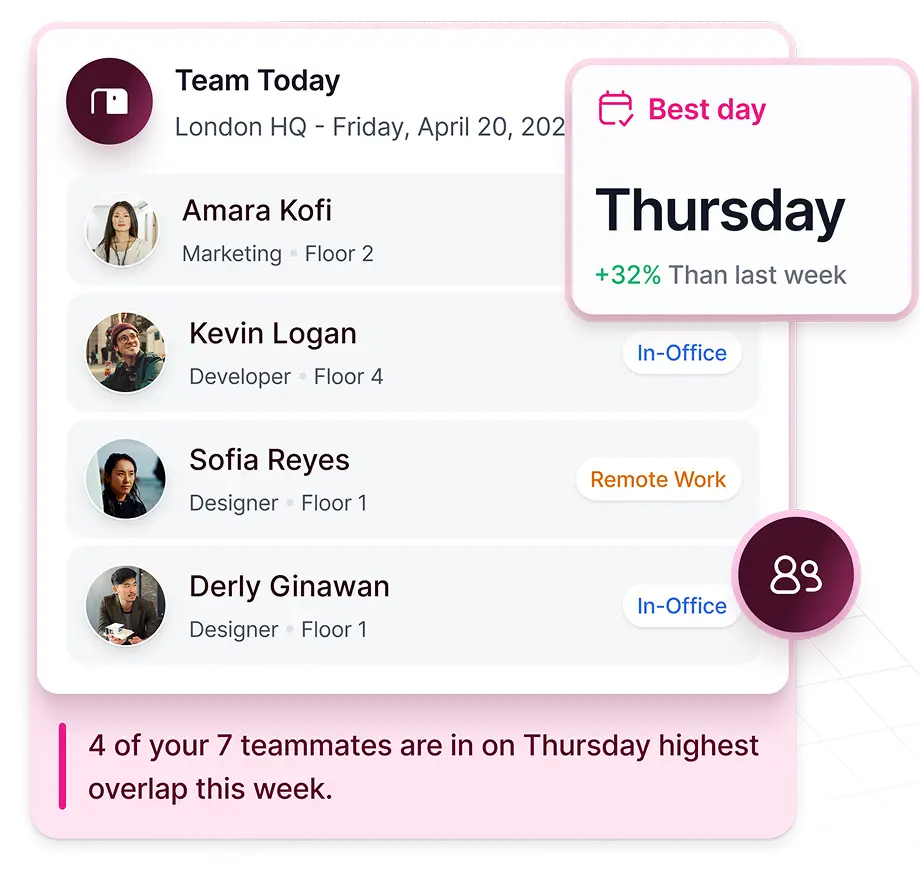
Give every employee a view of who is coming in before the day starts.
- Live view of who is in and where they sit
- Smart suggestions for in-person team days
- Your HRIS assigns desks and cancels bookings on leave
Moves, additions and changes
Stop managing desk changes manually.
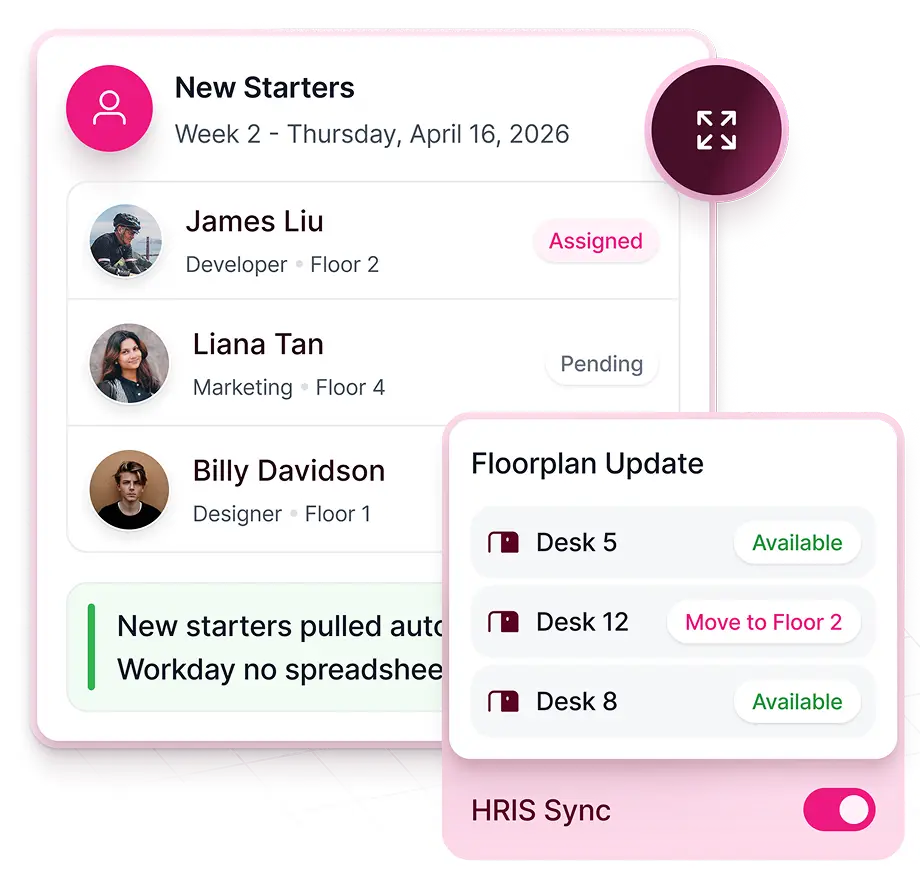
WorkOps connects your HRIS, floor plans and desk assignments before day one.
- Your HRIS starts desk assignment for new starters
- Moves, additions and changes from the floor plan in one step
- Move sheets made for you: no spreadsheet, no email chain
Visitors
Seamless visitor management across every building.
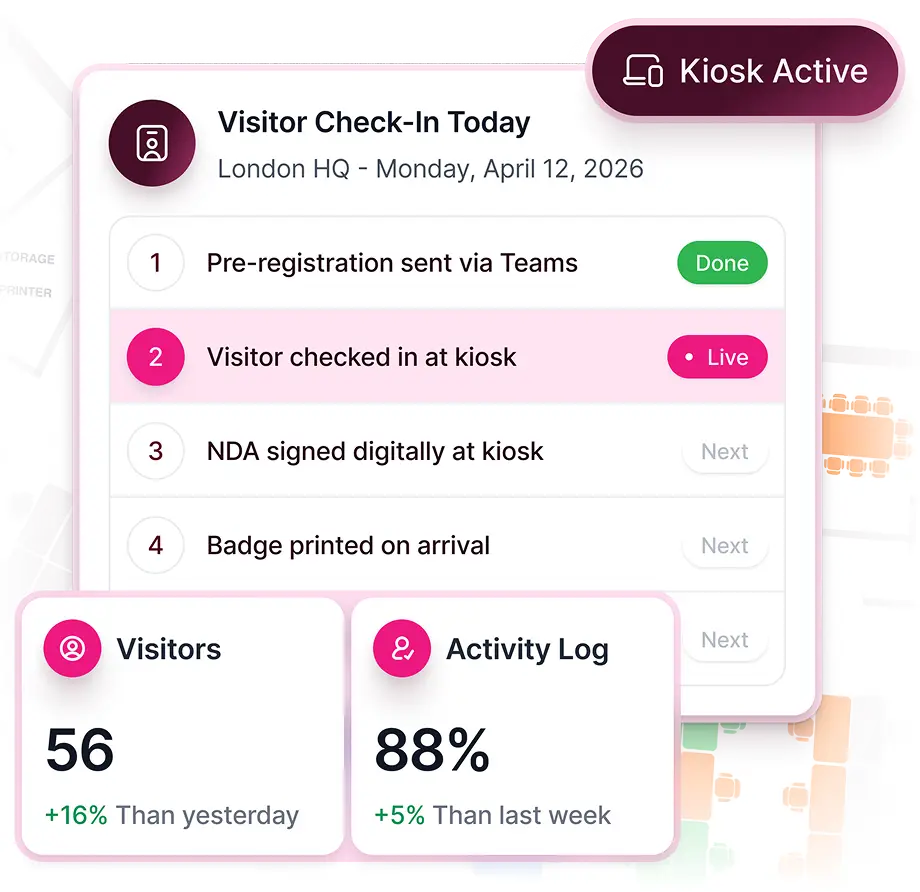
Replace paper logs and legacy systems with an arrival your visitors and hosts will enjoy.
- Pre-registration, kiosk check-in and badge printing on arrival
- A complete digital log, timestamped and exportable for any audit
- Every check-in feeds Kadence Sense as a presence signal
Occupancy
Turn occupancy data into space intelligence.
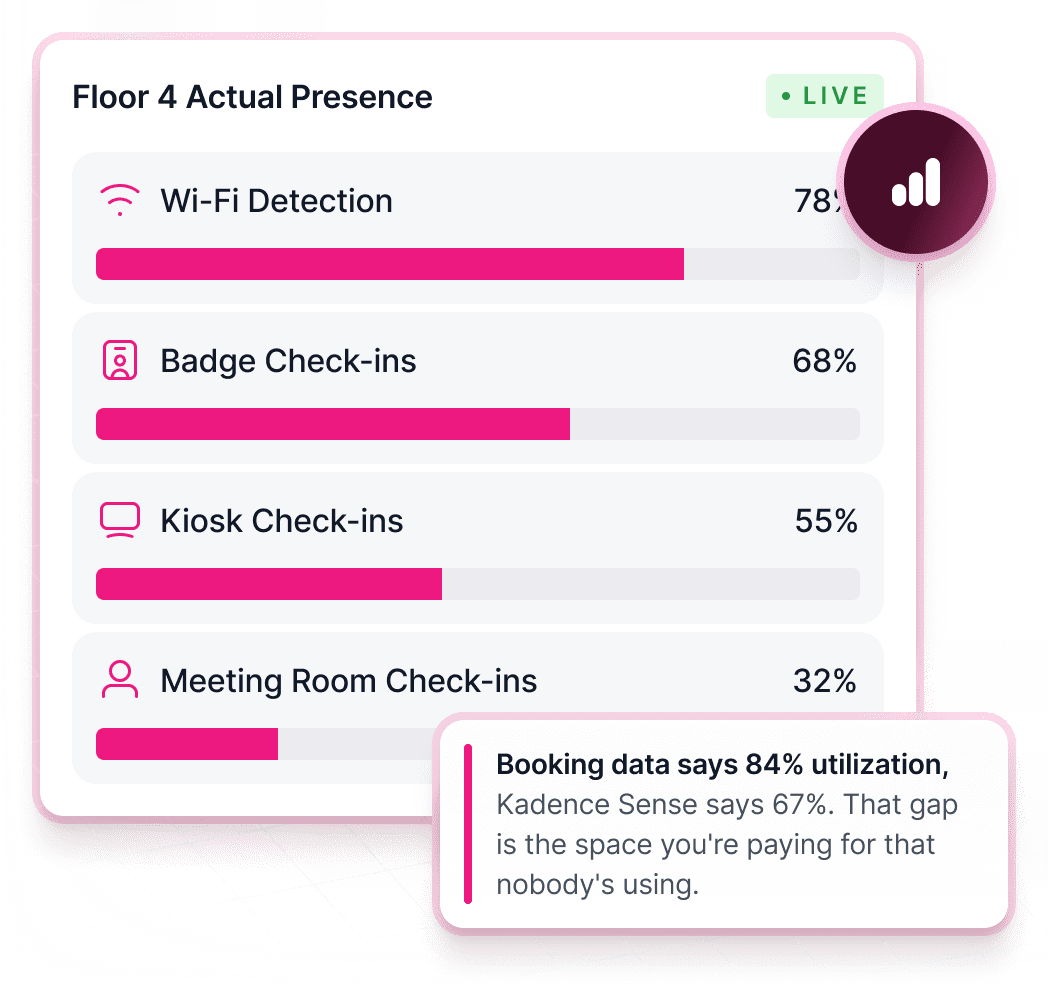
Kadence Sense turns the systems you already run into real presence data across your buildings. Hardware sensors are optional.
- Automatic check-in from Wi-Fi, badge, kiosk and room displays
- Utilization dashboards built on actual presence, not bookings
- Every signal feeds SpaceOps, from daily data to portfolio decisions
Key features of WorkOps
- Single sign-onOkta, Microsoft Entra ID, Google and other major providers, with SCIM user provisioning.
- Role-based accessBuilding admin, booking scheduler and employee roles, or custom roles for each admin.
- Wayfinding and floor plan searchFind any colleague, desk or parking space on the floor plan.
- Insights Plus dashboardsCustom analytics with policy compliance reporting and a data API.
- Events, surveys and announcementsOffice events with RSVP, employee surveys and announcements that bring people in.
- Security and complianceSOC 2 Type II and Cyber Essentials, with US or EU data hosting.
- On-demand workspacesBook desks and rooms in coworking spaces worldwide with Kadence Flex.
All delivered as part of the Kadence workplace operations platform.
The Kadence loop
Unified platform. AI powered.
WorkOps generates the live occupancy intelligence that powers every SpaceOps planning decision. SpaceOps applies changes directly back into WorkOps, so the plan you approve is the workplace your employees experience.
One Place For Everything Workplace
Plan, coordinate and execute change across your people, spaces and operations.
Tap any item to see it in action
WorkOps · System of Record
WorkOps
Desk & Room Booking
Visitor Management



Live Occupancy Analytics
Attendance Tracking
Move Management
Space Management


The Kadence Loop
SpaceOps · System of Action
SpaceOps
Floor Design & Desk Assignment
Stack Planning
Scenario Modeling
Occupancy Modeling
Move Scheduling
Automated Go‑Live
Execution
40%Add-ons
Add-ons
Extend Kadence with additional capabilities.
Integrations
Connects to the tools you already use
Workplace communication
- Microsoft Teams
- Slack
Calendar sync
- Google Calendar
- Microsoft Outlook
Single sign-on
- Okta
- Microsoft Entra ID
- Google Workspace
- OneLogin
- JumpCloud
HR systems
- Workday
- BambooHR
- HiBob
Service desk
- ServiceNow
- Jira
- Zendesk
- Freshdesk
Meeting room hardware
- Neat
- iPad
- Android tablets
Flexible workspace
- LiquidSpace
Badging & access
- Badge feeds via API
- Badge file via SFTP
API
- Public REST API
- Webhooks
- SCIM provisioning
AI assistants · Kadence MCP
- ChatGPT
- Claude
- Microsoft Copilot
- Gemini
- Grok
Select any item to see it in action
FAQ
Got questions about WorkOps?
Do I need both WorkOps and SpaceOps?
They work independently but are strongest together. Most customers start with WorkOps to run daily operations and build a reliable occupancy dataset. When you are ready to plan moves, consolidate floors or model scenarios, SpaceOps uses that same data.
Does my data stay connected between WorkOps and SpaceOps?
Yes. Both products run on a single shared dataset. Occupancy signals captured by WorkOps feed directly into SpaceOps planning models, and when SpaceOps executes a change it writes back into WorkOps instantly. No CSV exports, no syncing, no stale data.
How long does it take to get started?
WorkOps activates on your existing employee directory and floor plans. Most teams are live within days, with no specialist and no implementation project. SpaceOps can be added at any point.
Where does Kadence get its occupancy data?
Kadence Sense combines soft sensors from the systems you already run: bookings, badge data, Wi-Fi/network, rooms, authentication and Agent check-in. Together they provide sensor-grade occupancy you can defend to finance. Dedicated hardware sensors are optional when a floor needs denser coverage.
Next step
See WorkOps on your floor plan.
Thirty minutes with a workplace strategist. Bring your directory and a floor plan.