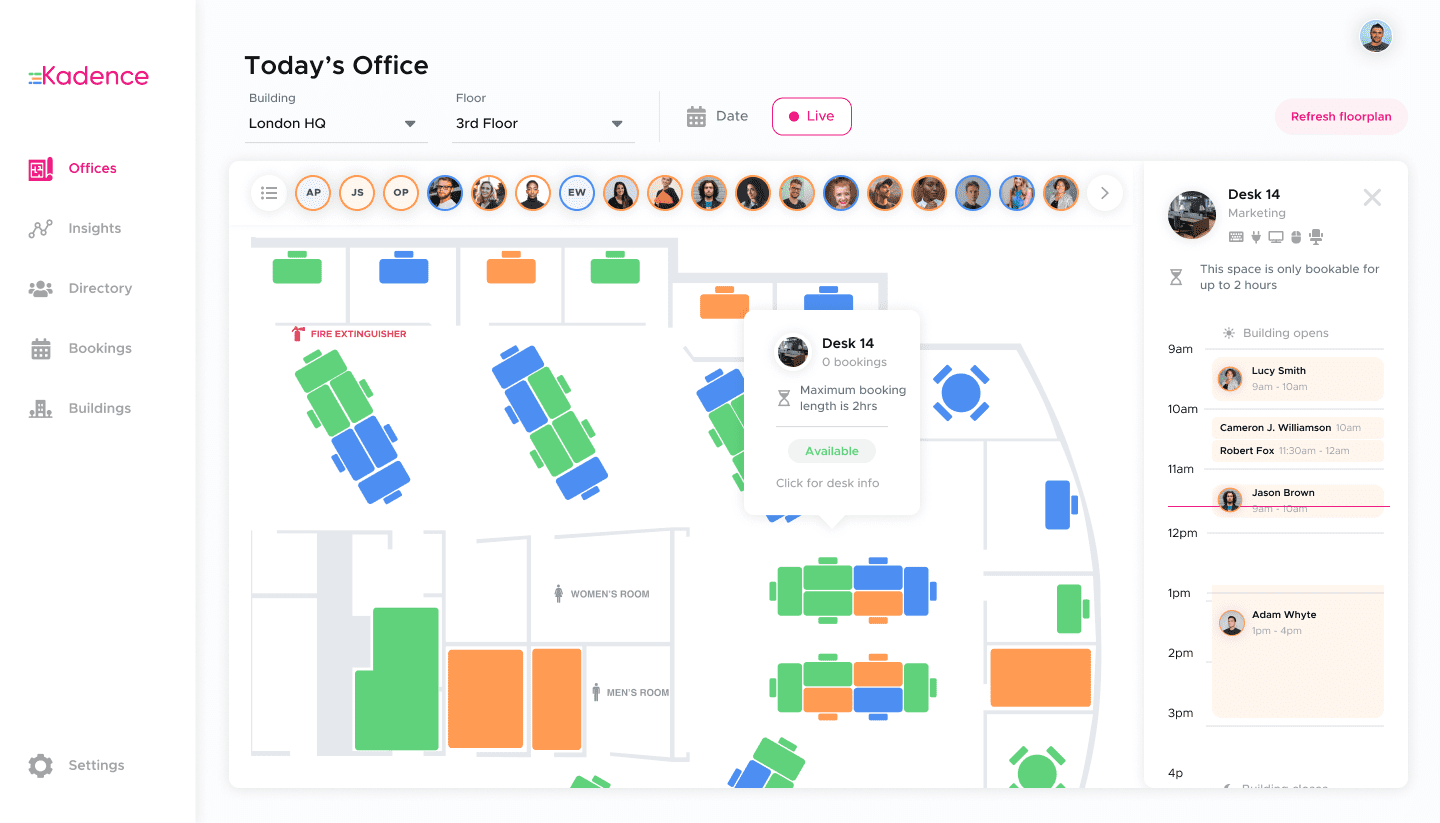
In June 2024, Kadence added two hot desk management controls to its desk booking product: Maximum Booking Durations and Limit Concurrent Bookings. The first caps how long someone can book a space. The second caps how many desks one person can hold at once. Together they give office managers fairer access to popular areas and more accurate space usage data.
Flexible hot-desk booking had become the way hybrid teams organized in-person meetings and brainstorming sessions, while office managers used the same tools to make better use of office space. Kadence’s current desk booking software page describes the product as it stands today.
What are Maximum Booking Durations?
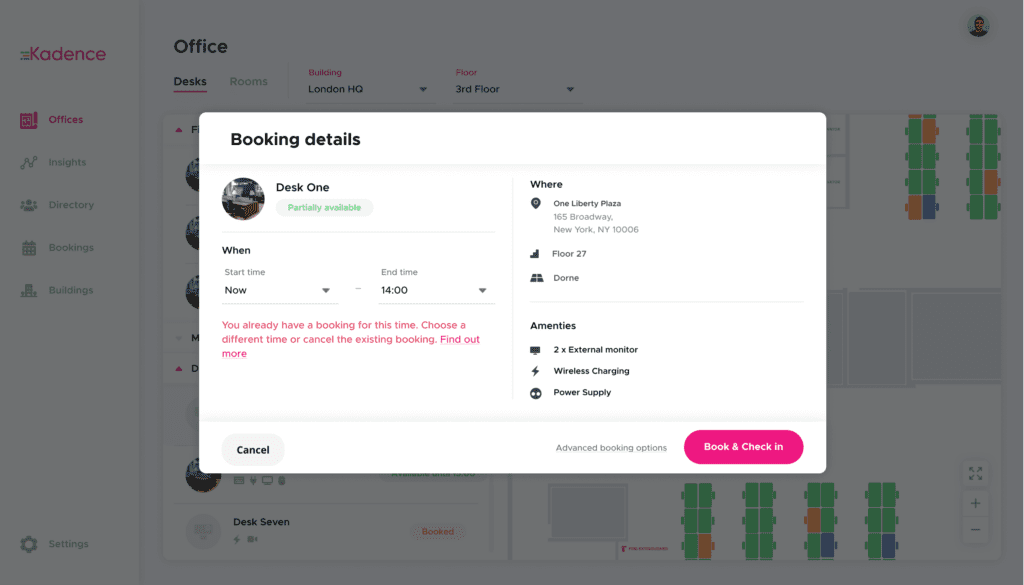
Maximum Booking Durations let an office manager set the longest time anyone can book a particular space. Kadence introduced the setting in June 2024 for high-demand areas and for seating that should not be used for long stretches. It keeps popular spaces in circulation and helps teams follow health and safety guidance.
Fair access to the most popular areas
Most offices have busy areas with good furniture and snacks that are almost always fully booked. A maximum booking duration gives everyone an equal chance to book these sought-after areas, which supports a sense of fairness and inclusion. In Kadence the setting applies to a neighborhood, a group of spaces set aside for a team or purpose.
Staying compliant with health and safety regulations
Leaning stools and high seats can look stylish, but prolonged use of any seating may lead to health issues. A maximum booking duration limits how long employees spend on these seats. That helps an office stay comfortable, productive and safe, and helps it comply with health and safety regulations. Kadence’s help center explains how to restrict neighborhood booking duration.
What does Limit Concurrent Bookings do?
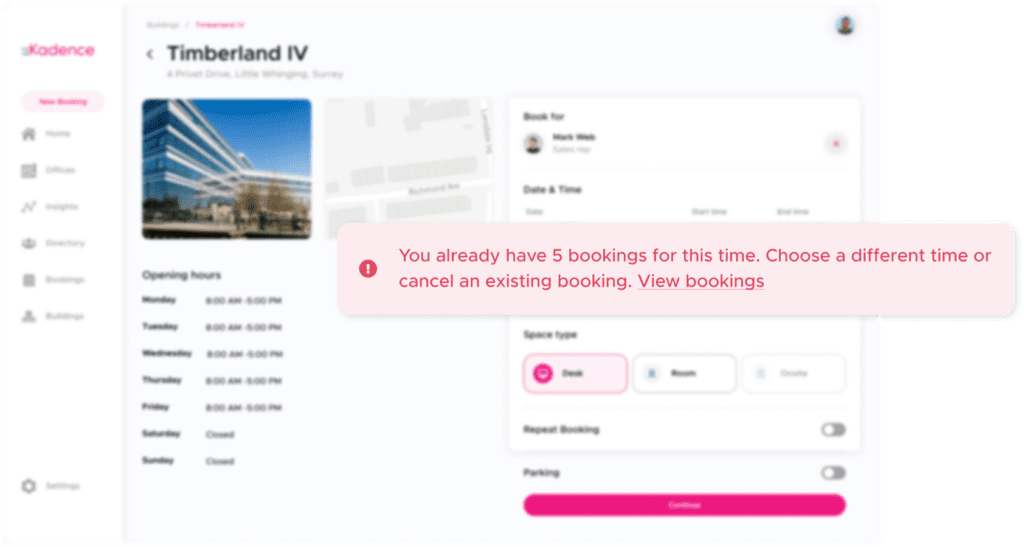
Limit Concurrent Bookings caps how many desks a person can hold at the same time. Kadence introduced it in June 2024 to stop over-booking, such as a team manager reserving several desks for teammates who may not come in. It frees desks for people who need them and keeps usage data accurate.
More available desks
A desk can look free when a colleague has already reserved it. In hybrid workplaces it is common for managers to book several desks on behalf of their team. With a concurrent booking limit, office managers stop people from holding desks that are not needed, so everyone who truly needs a workspace gets one.
More accurate space usage data
Over-booked desks also distort your data. When desks are booked for teammates who may or may not show up, there is no way to know how the space is actually used. A limit enforces the right booking habits, which leads to accurate space usage data and more efficient desk management. Those numbers feed the utilization measures in the workplace analytics metrics guide. The help center has a detailed guide to limiting concurrent desk bookings.
Why do booking rules matter for hot desk management?
Booking rules matter because shared desks only work when access is fair and the data is trustworthy. Without limits, a few people can hold the best spaces or reserve desks nobody uses. With them, office managers keep popular areas available and base space decisions on real use, not inflated bookings.
For enterprise workplace teams, that second point carries the most weight. Decisions about how much space to keep depend on usage data, and usage data depends on bookings that reflect who actually comes in. Desk and room booking now sit within Kadence WorkOps, the day-to-day side of the platform.
Frequently asked questions
What is a maximum booking duration?
It is a limit on how long anyone can book a particular space. Kadence introduced it in June 2024 so office managers could keep popular areas available to more people and limit time on seating such as leaning stools and high seats.
Why limit concurrent desk bookings?
To stop one person from holding several desks at once, often on behalf of teammates who may not come in. Limiting concurrent bookings frees desks for people who need them and keeps space usage data accurate.