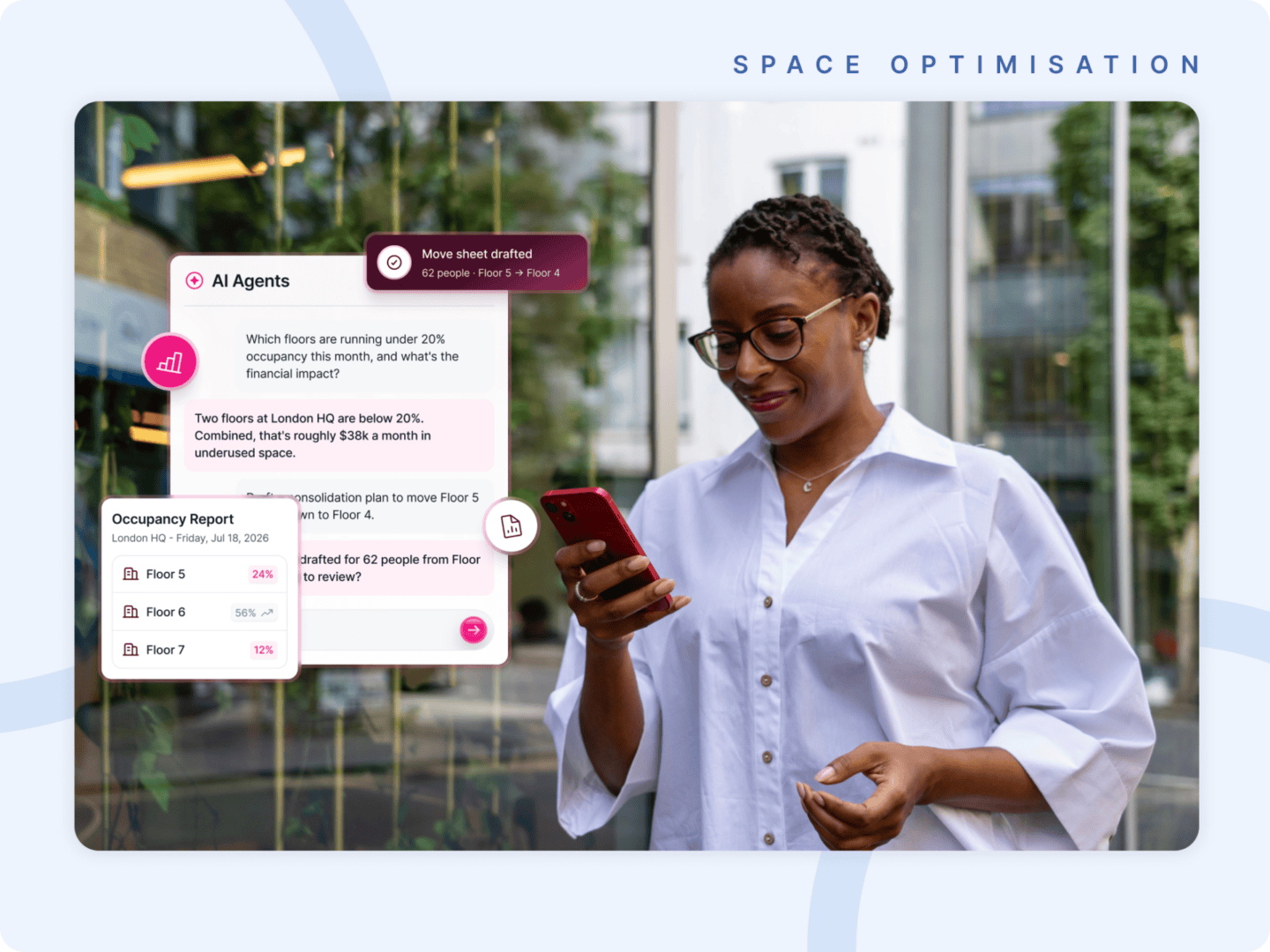
Book desks, run the office, and get answers about your space in plain language, without leaving the assistant you already have open.
Most AI in workplace software so far has been additive: a text box in the corner of a product, answering questions about the product it sits inside. That is useful, and it is not the same thing as reach.
Reach is the harder problem, because the people we build for have spent the last two years moving. Their working day now begins and largely stays inside an AI assistant that already knows their calendar, their inbox, their documents, and a fair share of everything their company has ever written down. The one thing it has never known anything about is their workplace.
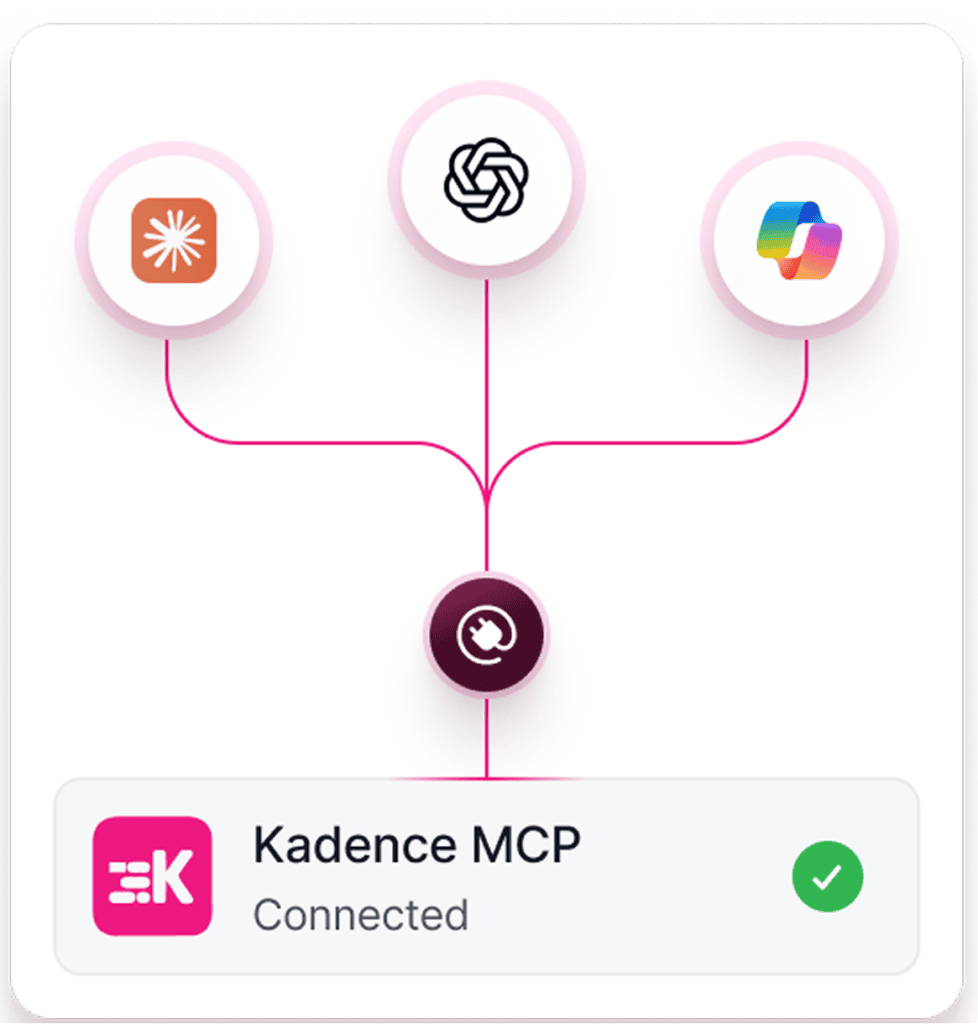
Today we are fixing that. The Kadence MCP is live, and it lets your people use Kadence in natural language from inside the assistant they already work in. We ship ready-made connectors for Claude, ChatGPT, and Microsoft Copilot. Past those three, MCP is an open protocol rather than a private integration, so any assistant that speaks it reaches the same server, Gemini and Grok included, as does whatever your own engineers decide to build against it.
So when a manager asks Claude to book her team a bank of desks for next week, Claude does not explain how to do it or hand her a link. It books the desks. By the time she has finished the sentence, those desks exist in Kadence.
What Your Assistant Can Now Do
Around thirty tools ship with the MCP, spanning three areas of Kadence.
In WorkOps, the assistant acts. It books desks, rooms and parking, checks people in and out, reads your schedule and your team’s, invites visitors, and sets your office days. This is the everyday coordination that every employee touches, and it now costs a sentence.
In SpaceOps, it shows you how your space is set up: workspaces, neighborhoods, stack plans, desk assignments. Ask how engineering is seated across floors two and three and you get the current picture, in the middle of the meeting where somebody asked you for it.
In Reporting, it answers the questions you would otherwise go hunting for, on occupancy, attendance and no-shows, and it brings the source of every number along with it, so you can repeat the answer out loud without going away to check it first.
Three Real Jobs, One in Each Assistant
Below are three jobs people at your company already do every week. A team manager books an onsite. A workplace manager fits eight new starters into a floor. A workplace leader checks whether a hybrid policy is working. We ran each one in a different assistant, and this is how each one goes.
Booking a Team Onsite in Claude
A team manager has her whole team coming in together next week, so she asks Claude to book them all into their neighborhood, Monday to Friday.
Claude finds desks for all eight of them on every day, and catches something she had missed: one of her team already holds a desk somewhere else on the Wednesday. It offers to move that booking and waits for her to agree. She agrees. Claude books the week, shifts the clash, and tells everybody where they are sitting.
Then she asks for a room for eight each morning. Her own floor turns out to be full all week, so Claude works out the combination that does fit across two other floors and drops all five rooms into everyone’s calendar.
The whole exchange runs four sentences. Done by hand, it costs her a morning of switching between tabs, and it is exactly the kind of job people give up on halfway through.
Fitting Eight New Starters in ChatGPT
Eight people join Sales at London HQ next week, and the workplace manager needs to know whether they will fit.
He asks ChatGPT, which checks the Sales neighborhood and gives him the bad news plainly: eighteen desks, sixteen of them already assigned, so he is six short. He asks where those six might come from.
ChatGPT looks at what teams actually use rather than what they were allocated, and finds two neighborhoods on the same floor that run well under their allocation even on their busiest day. It proposes pulling four desks from one and two from the other, so that neither gets stripped and both keep a buffer.
He has his answer and the reasoning behind it without opening a thing.
Checking a Hybrid Policy in Copilot
The policy says three days a week in the office, and a workplace leader wants to know whether teams in Vienna hit it last month.
She asks Copilot, which breaks the month down team by team and measures on check-ins rather than bookings, telling her so, because those two numbers answer different questions. Six of the eight teams land within half a day of policy. Two do not.
She asks the follow-up that decides what she does next: is that whole teams, or a few individuals? Copilot pulls the two cases apart. One team misses policy across all eleven people. The other looks worse than it is, because four individuals rarely come in at all while the remaining ten sit right at policy. Those two situations call for two very different conversations, and she now knows which one she is having.
So she asks Copilot to draft an email to each team lead with their own numbers. It writes both, puts them in her Outlook, and leaves her to read them before they go anywhere.
Why You Can Hand It the Keys
An assistant that can change things in your workplace has to be one you trust with the keys, so we built the MCP around four commitments.
Every person signs in through OAuth 2.1 as themselves. Nobody shares credentials and nobody pastes an API key into a chat window. An admin switches the integration on for the organization, and from there each person authenticates individually.
Everyone keeps the permissions they already hold. The assistant can only ever do what the person asking could already do in Kadence, so connecting it widens nobody’s access by a single desk.
Every number carries its source. When Reporting answers a question, the provenance travels with the answer, which is what makes it safe to quote in a room where somebody is about to sign a lease.
And the assistant hands the last step back when the last step is yours. It writes the email. You send it.
Connect the Assistant You Already Run
We ship connectors for Claude, ChatGPT, and Microsoft Copilot, because those are the three assistants our customers have standardized on.
They are not the boundary. MCP is an open protocol, so an organization running a different assistant, or its own internal tooling, reaches the same server we built for those three. Some of the most technical teams we talk to want nothing to do with the conversational layer at all. They would rather build straight against the tools, and that works, because underneath it is the same server either way.
You integrate once, and it holds up whatever your AI stack turns out to look like in eighteen months.
Bring the Workplace to Your People
Kadence AI keeps doing what it does best inside Kadence, and it does it very well.
The MCP answers a different question: what happens through the rest of the day, when your people are somewhere else entirely? Until today, asking Kadence anything meant leaving whatever you were in the middle of, going somewhere else, finding the right screen, and coming back. That break is small, and small breaks are precisely what stop people booking at all.
Workplace software has spent a decade asking people to come to it. Another app, another login, another dashboard that nobody opens on a Tuesday. We pushed back on that when we built into Slack and Teams, because coordination actually happens there. The MCP carries the same argument to its conclusion.
Your people already start the day inside an assistant. From today, your workplace is in there with them.
The Kadence MCP is available now. Book a demo and we will show you it running in the assistant your team already uses.