What is Office Space Management Software?
Office space management software helps you see how your buildings are used and plan how to use them better. It brings desk and room bookings, team neighborhoods, assigned desks, occupancy data and floor plans into one place. Kadence adds space planning on top, so the same data drives stack plans, scenarios and moves.
Why is Office Space Management necessary?
Office space is a major cost, and hybrid work has made demand uneven. Without good data, teams crowd in on peak days while whole floors sit empty. Space management shows where space is used and where it is wasted, so you can rebalance teams, avoid leasing more than you need and plan changes with evidence.
What are the three basic elements of Space Management?
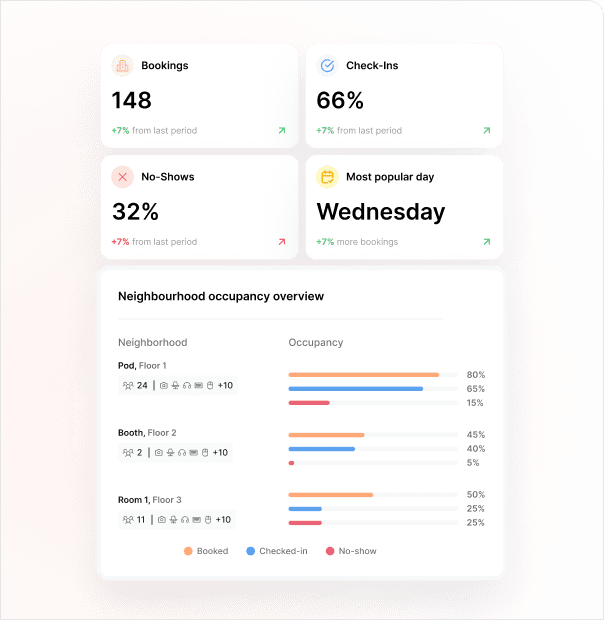
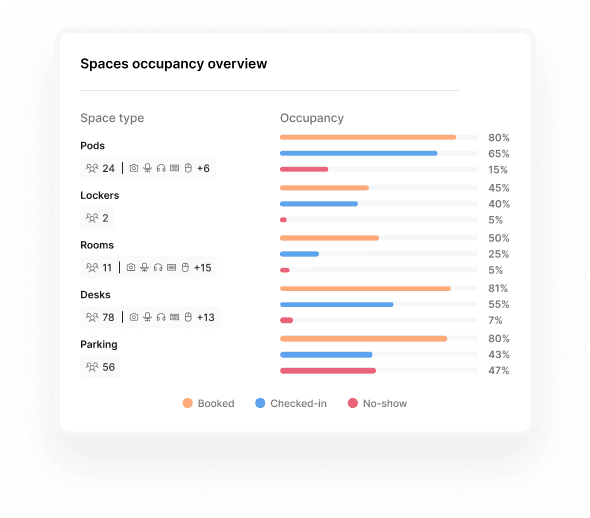
The three basic elements are measuring, analyzing and planning. First, record how space is booked and used, ideally from check-ins and presence data rather than bookings alone. Second, analyze trends such as peak days, no-shows and quiet floors. Third, use what you find to plan changes, from team neighborhoods to restacks and lease decisions.
What are the benefits of a Space Management Software?
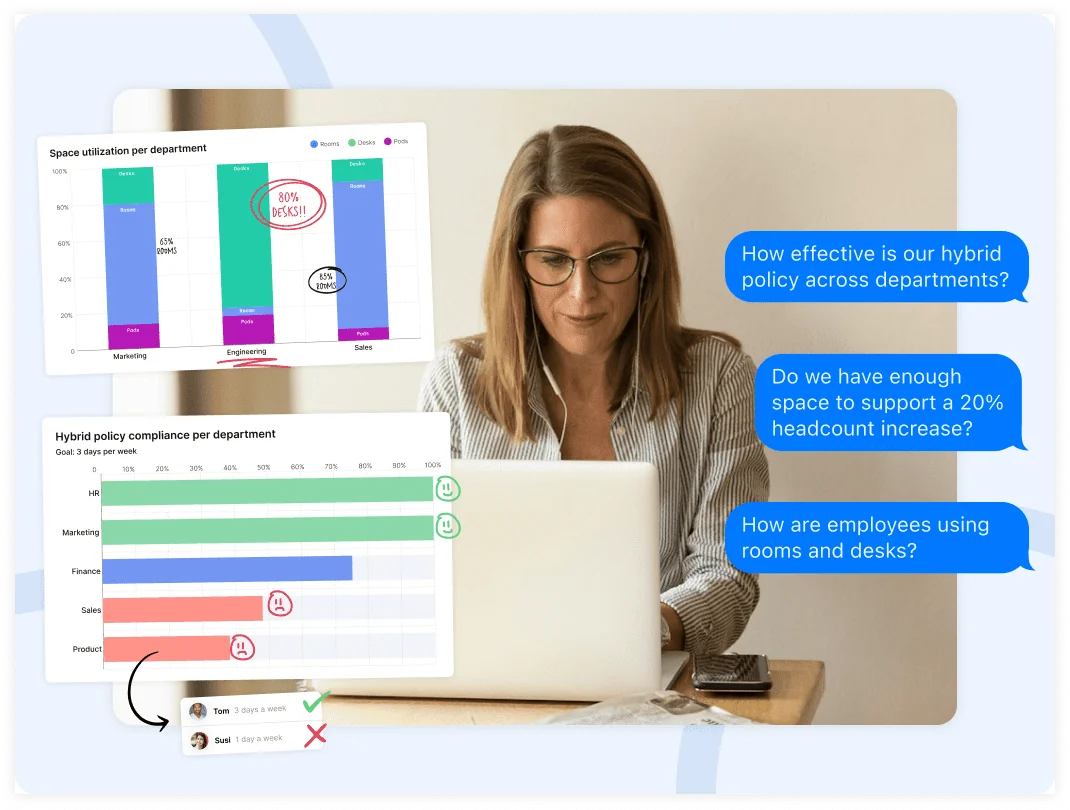
The main benefits are lower real estate costs, less wasted space and better office days. With Kadence, you see how space is used over time, check whether your attendance policy works, find hidden capacity and test changes before you commit. People also find desks near the colleagues they came in to see.
What is the first step in Space Management?
Start by measuring how your space is actually used. List your buildings, floors and space types, then collect a few weeks of booking, check-in and attendance data. Kadence Sense can check people in automatically from office Wi-Fi and network signals, so your baseline shows who came in, not only who booked.
What is the difference between space management and space planning software?
Space management runs the office you have today: bookings, neighborhoods, assigned desks and occupancy data. Space planning decides what the office should look like next: stack plans, scenarios, restacks and moves. In Kadence, WorkOps handles space management and SpaceOps handles space planning, and both use the same workplace data.
How does Kadence help with a lease event or office consolidation?
Before a lease expiry, break option or consolidation, Kadence shows how much space each team really uses, including on peak days. In SpaceOps, you model the change with stack plans and compare scenarios side by side. When you decide, publish the plan to live neighborhoods and assigned desks, and use Move Manager to seat people.
Does Kadence space management need occupancy sensors?
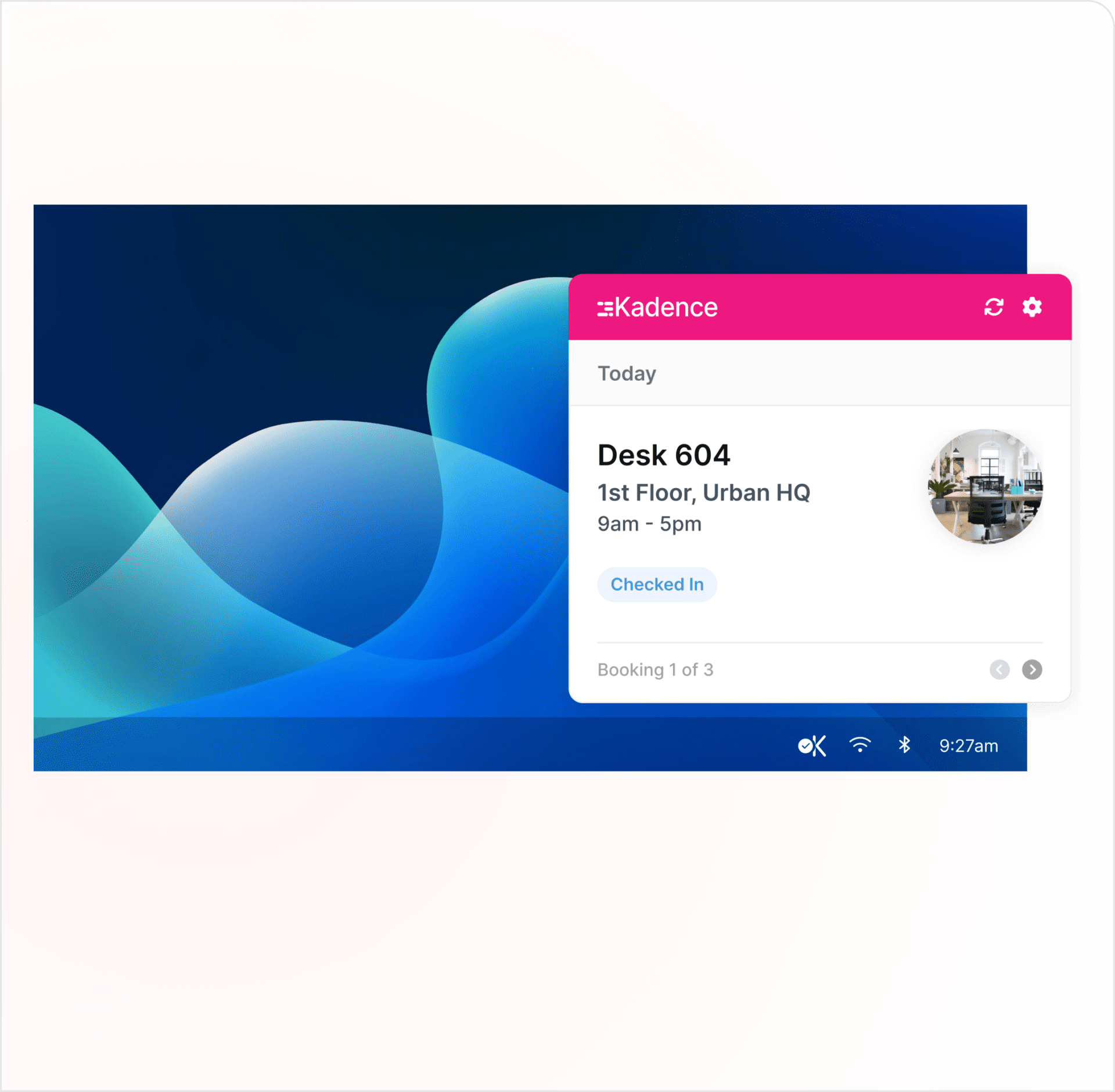
No. Kadence Sense checks people in through the Kadence Agent, a desktop app for Windows, Mac, ChromeOS and Linux that detects the office network. Check-ins can also come from kiosks, room displays, badge data or the public API. Automatic Bookings records people who arrive without a booking, so walk-ins count too.
Can Kadence manage assigned desks and team neighborhoods?
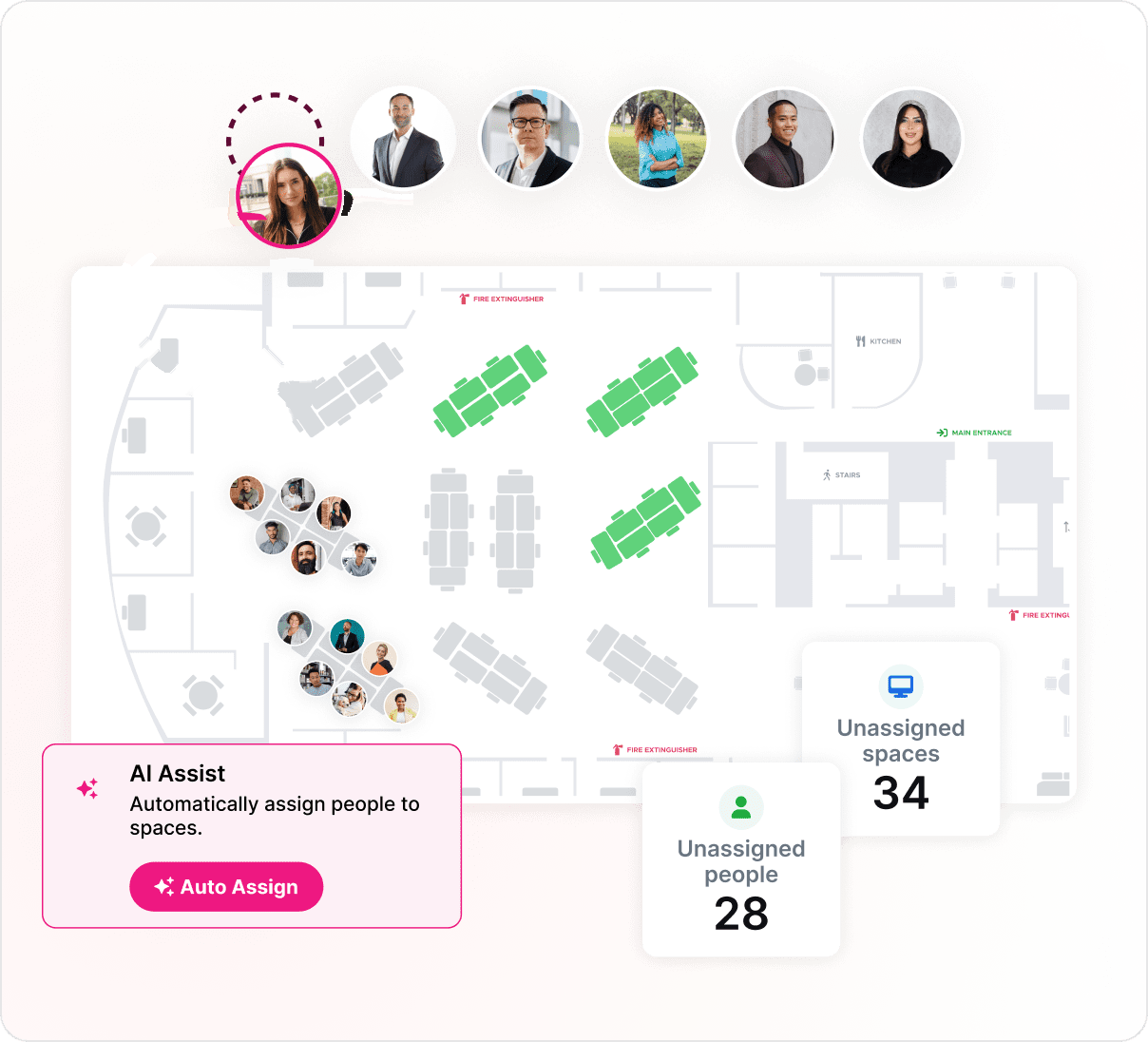
Yes. Assign teams to neighborhoods and people to permanent desks, or use the Neighborhood Scheduler to share floors between teams on different days. Bulk CSV uploads create and edit spaces, neighborhoods and assignments from a spreadsheet. Auto-release frees desks and rooms that nobody checks in to, so they go back into use.